

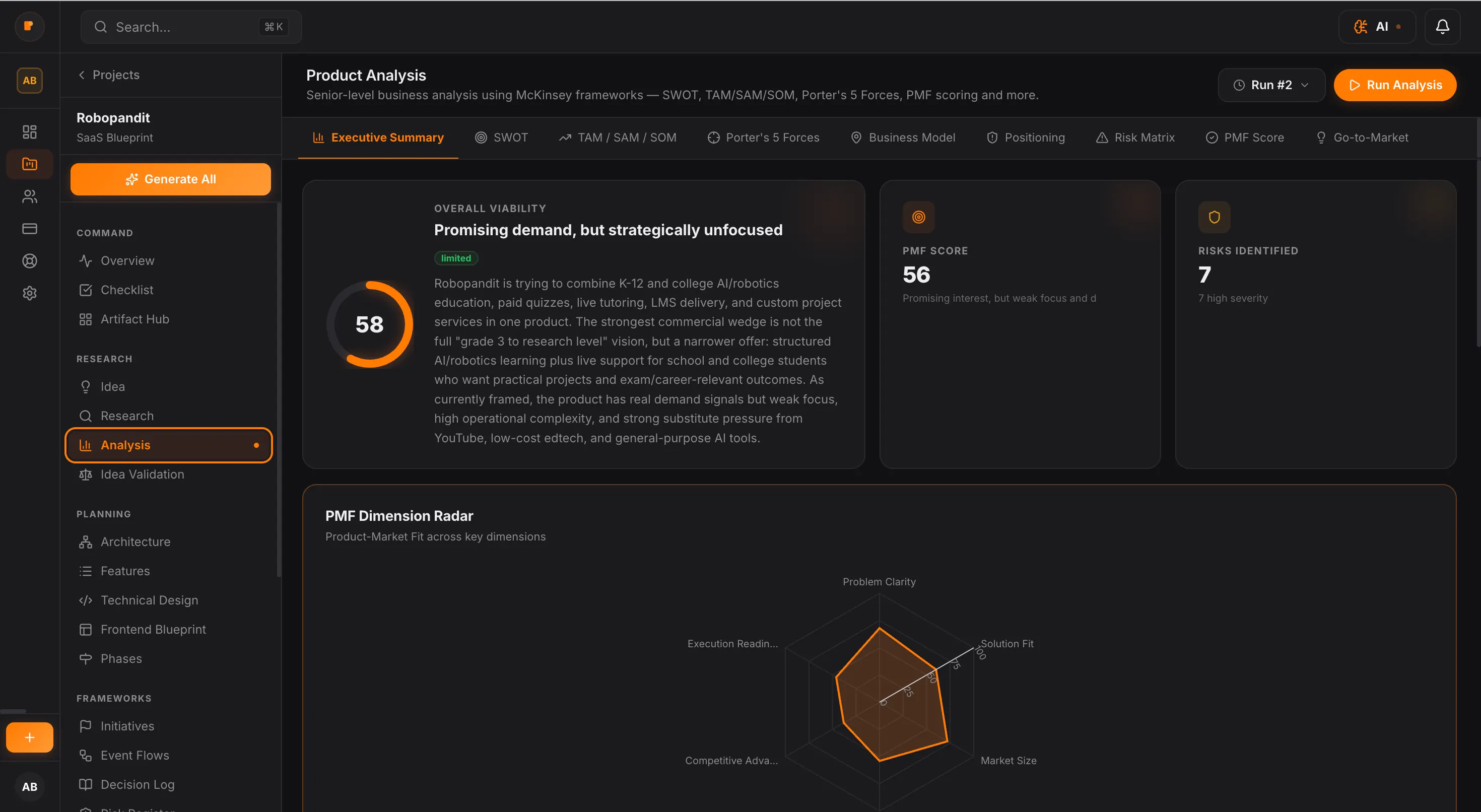
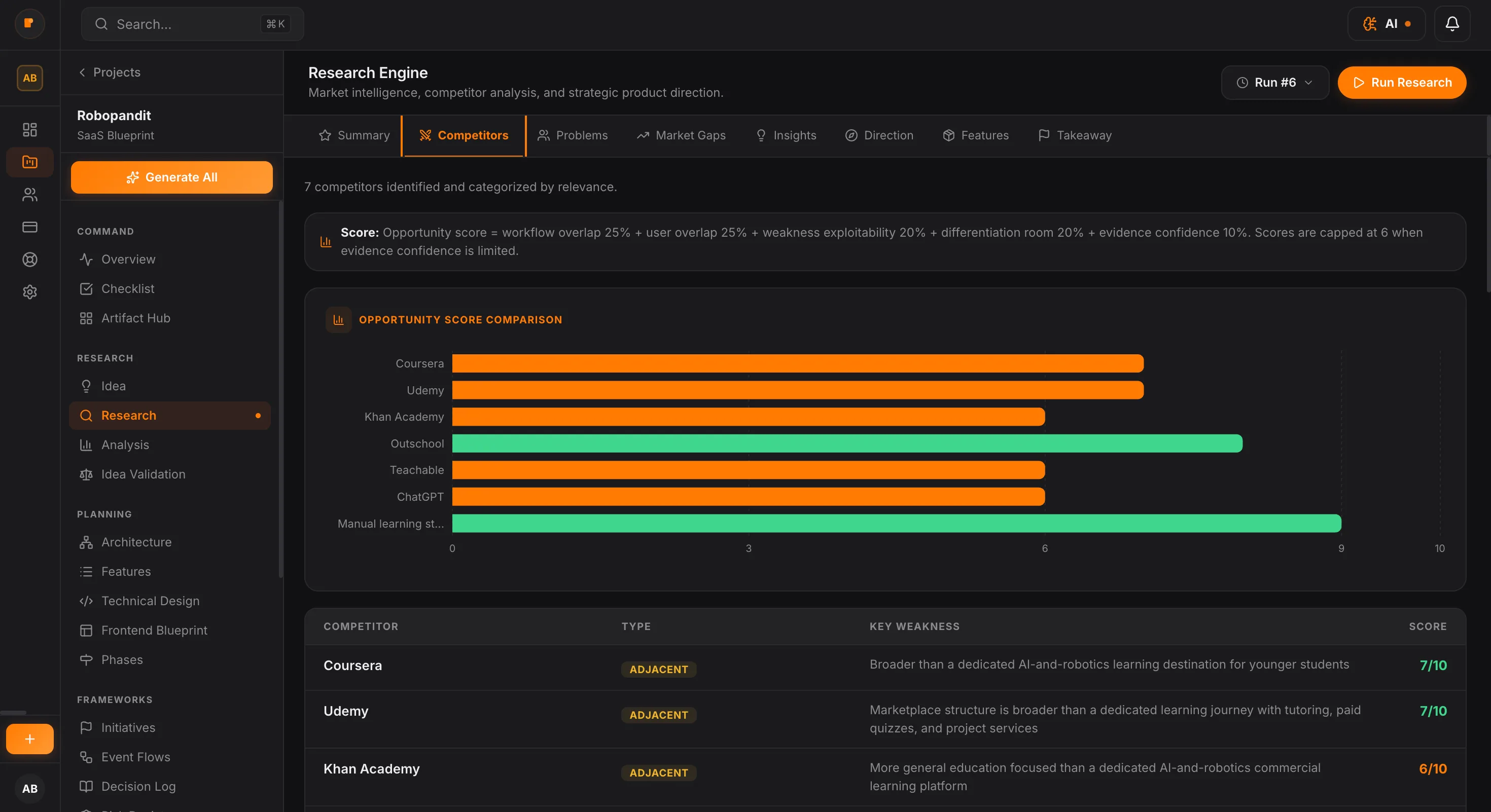
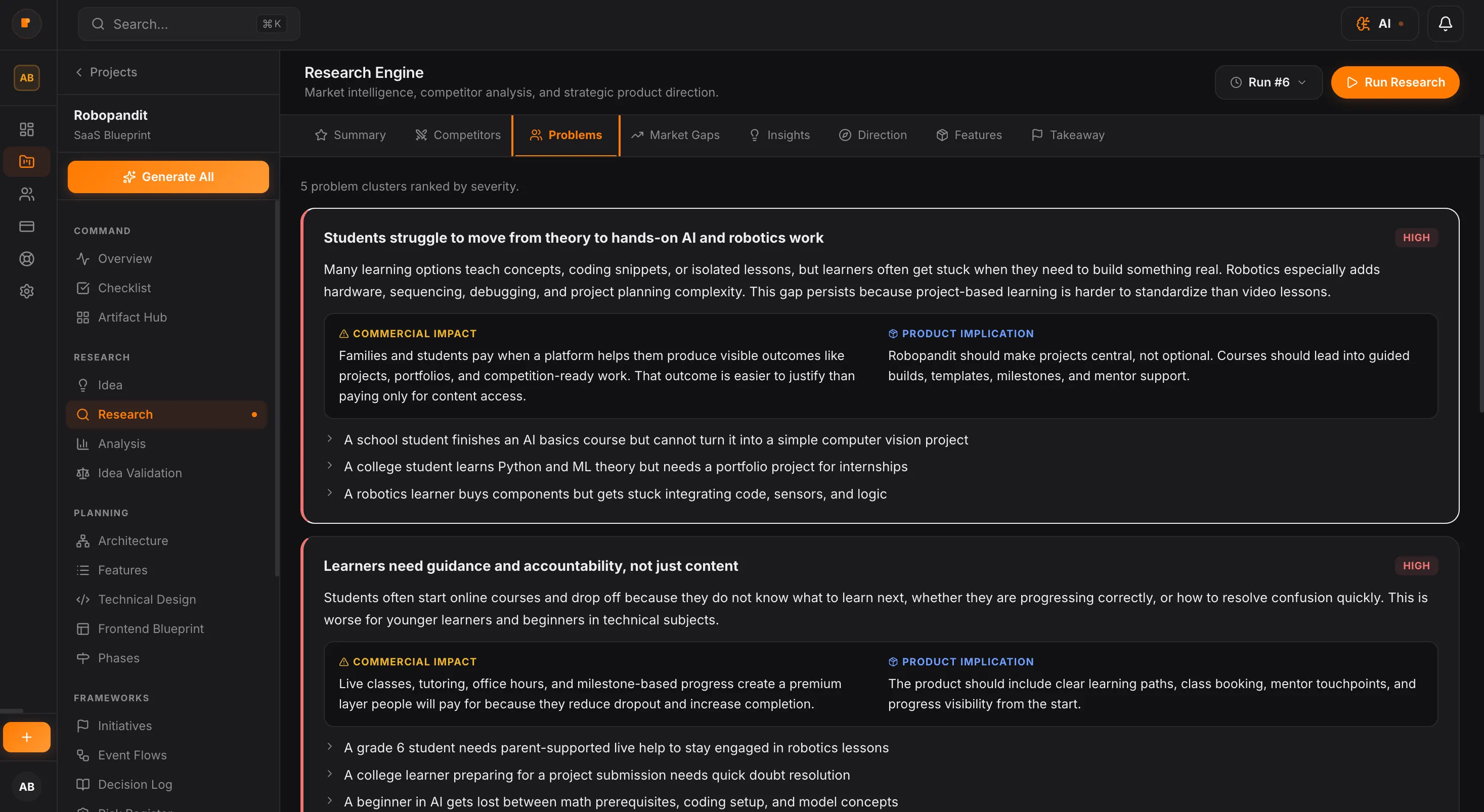
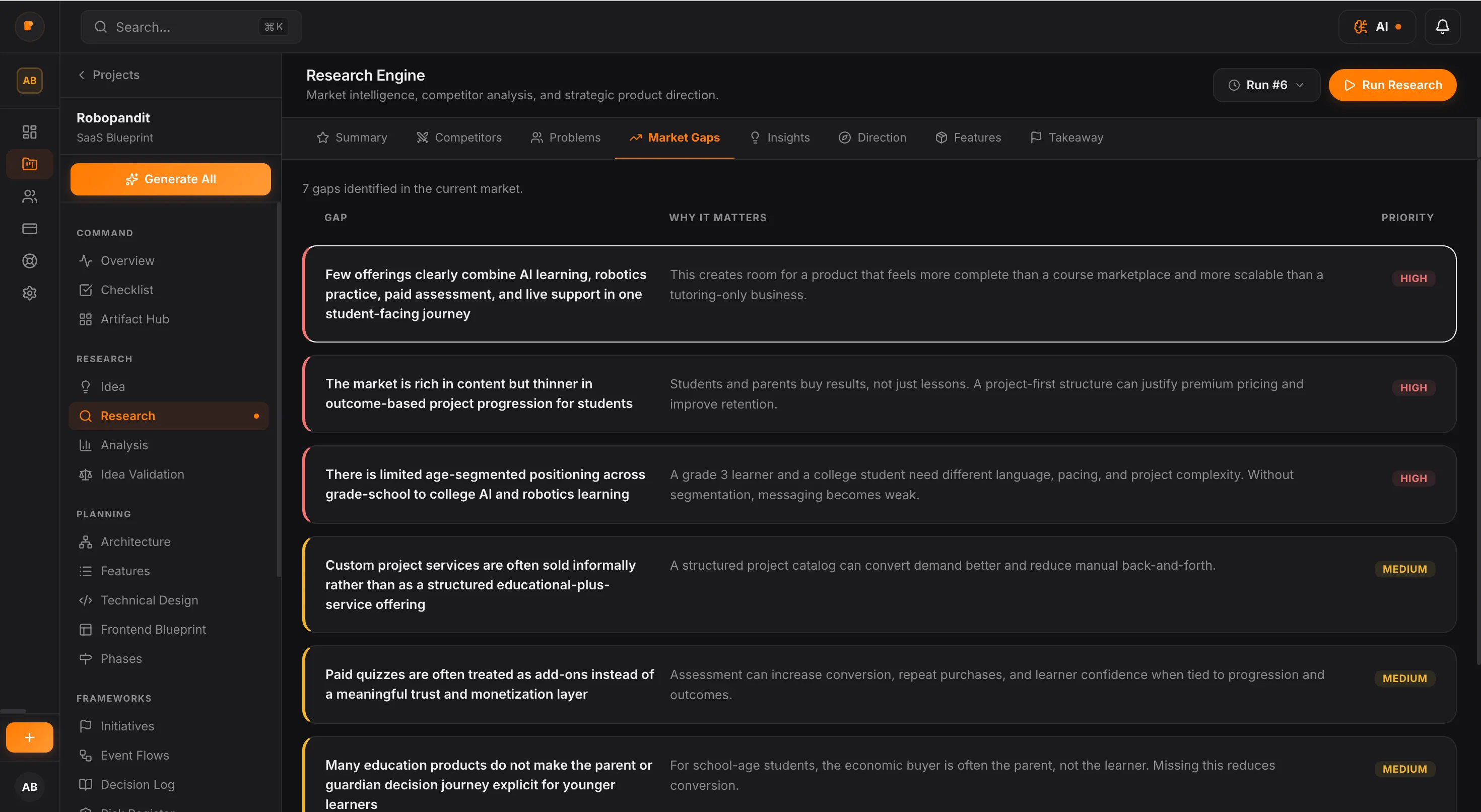


Founder Guide17 min
How to Validate a Business Idea Before You Invest Time and Money
Published Oct 9, 2026
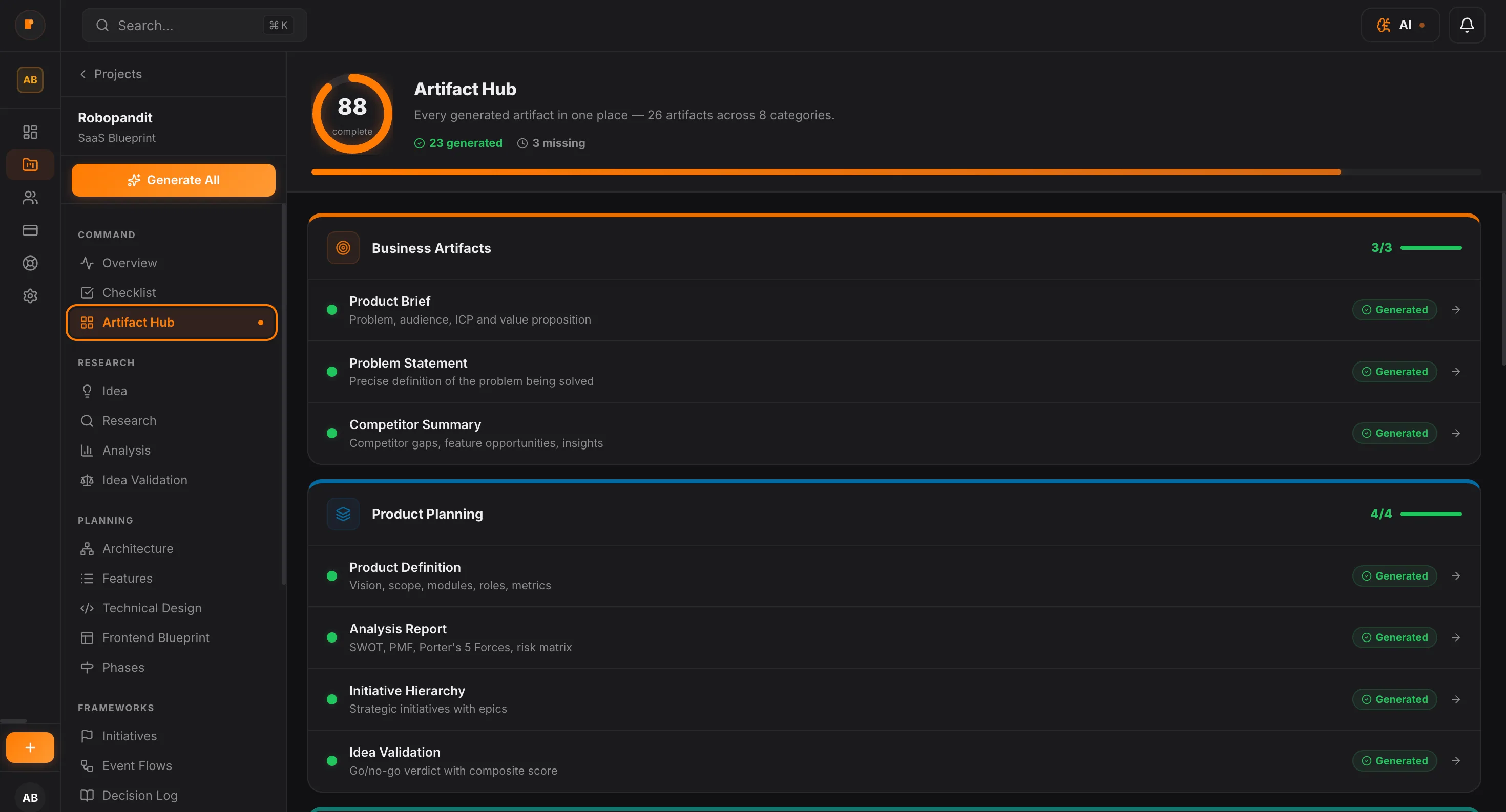
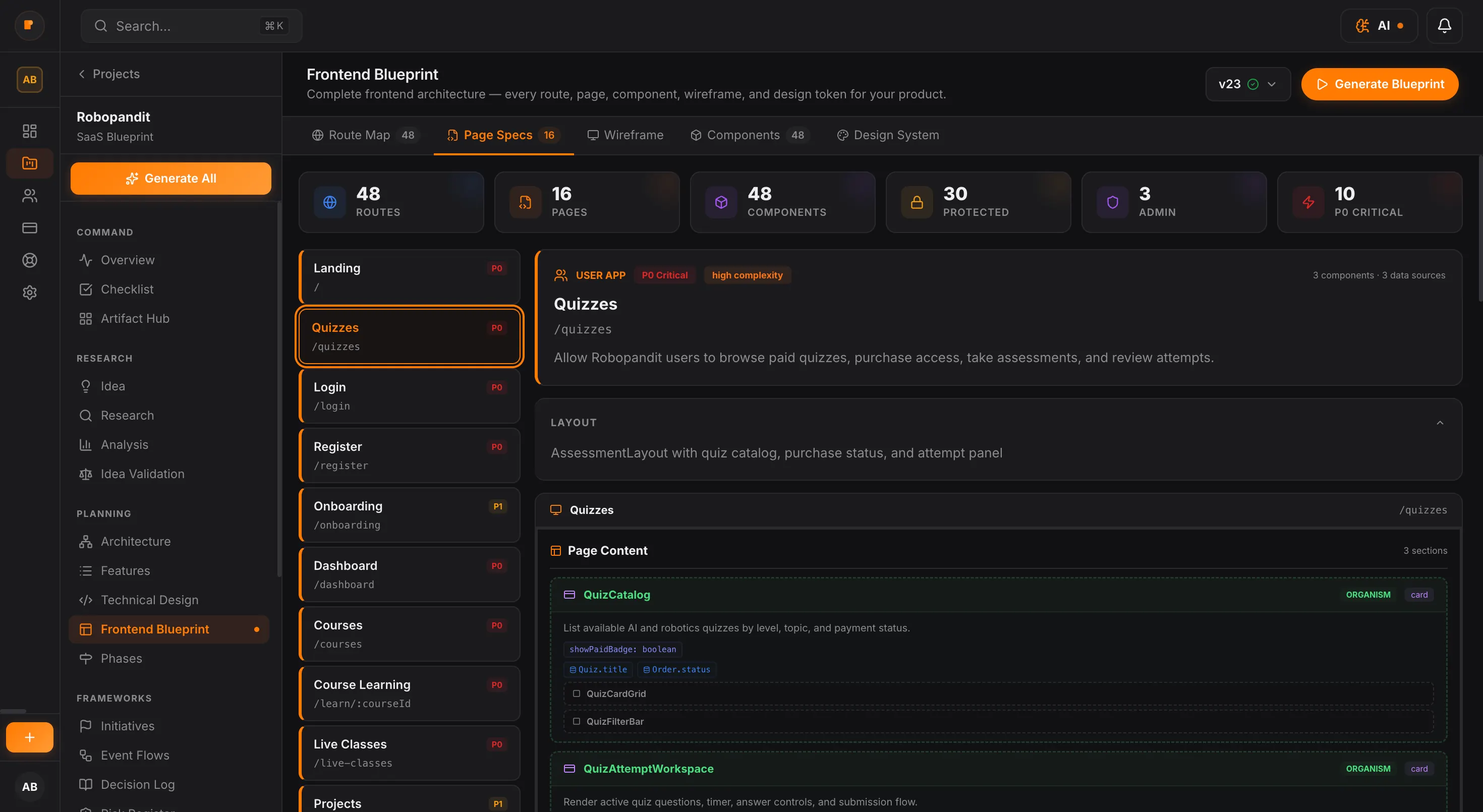
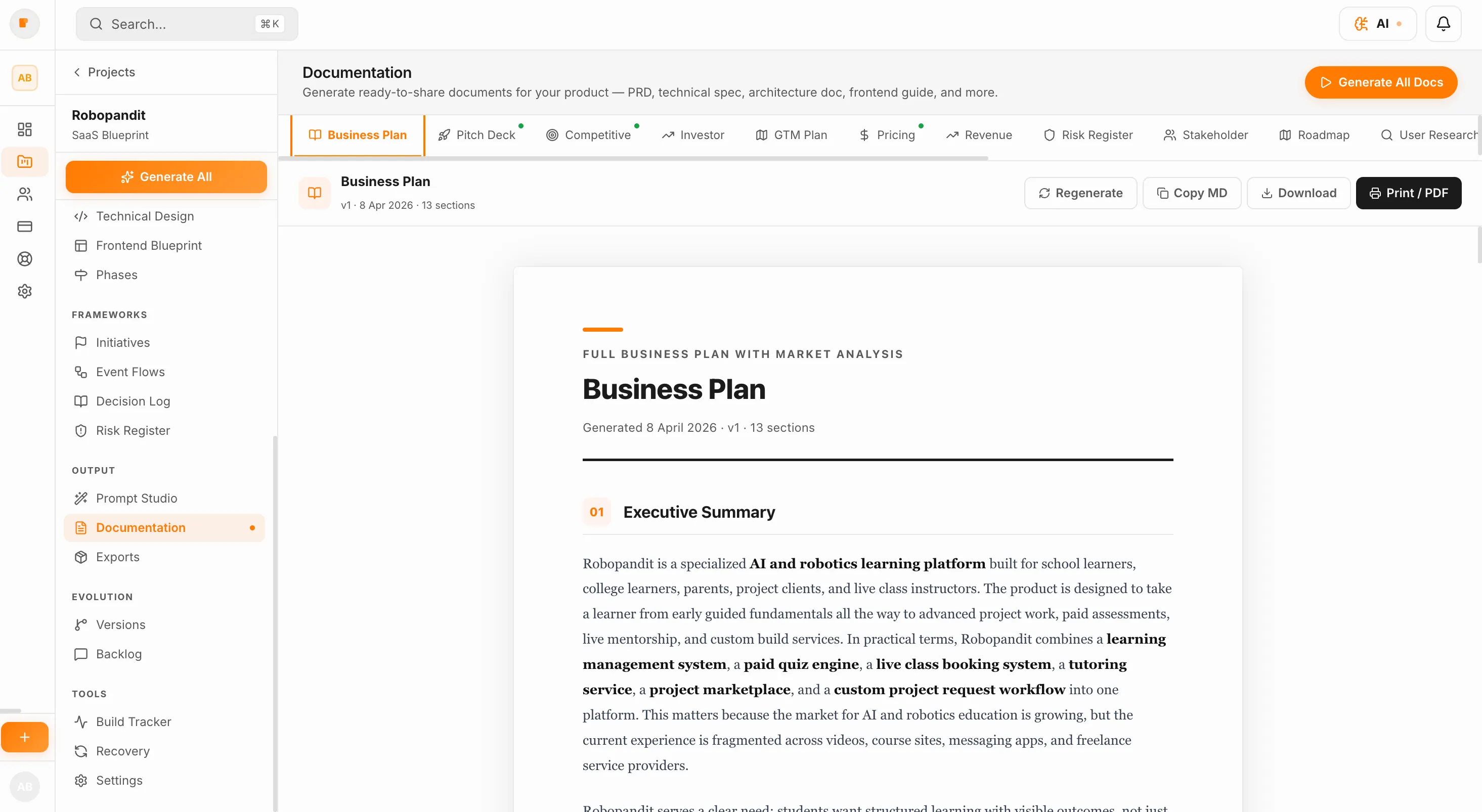
Plan your business, build your product, and run every part of it with powerful tools and AI agents — all from one platform.
Know what to build first
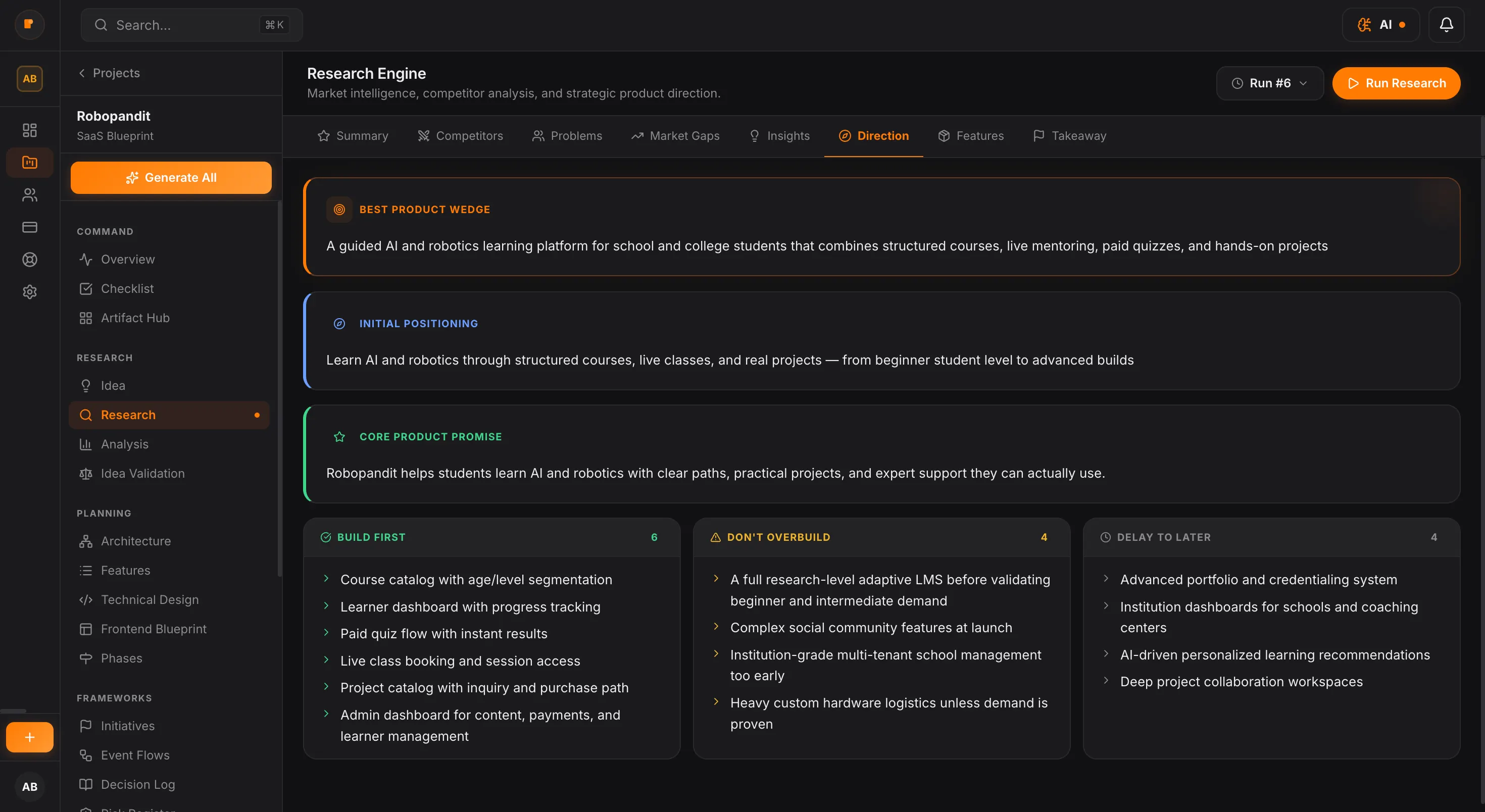
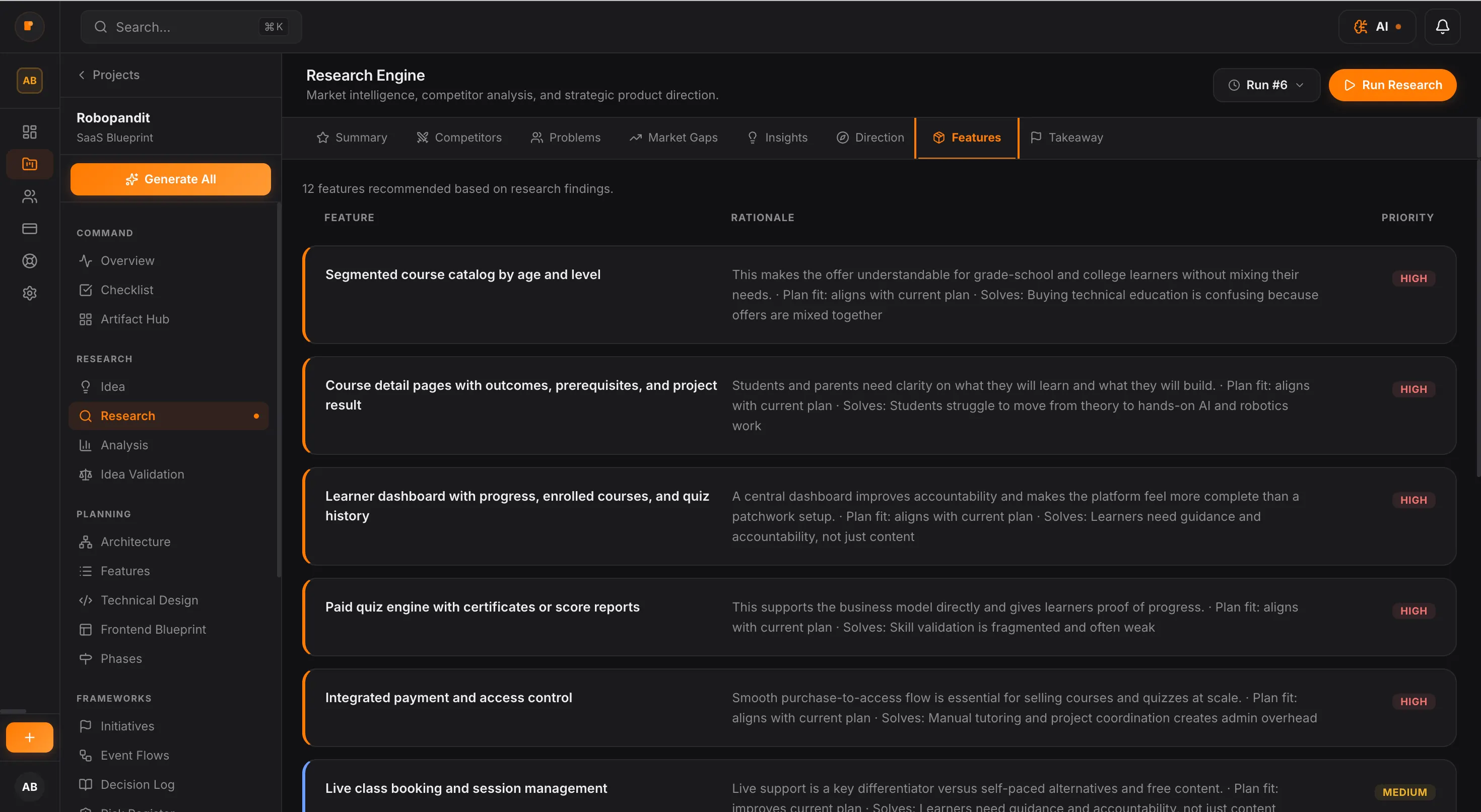
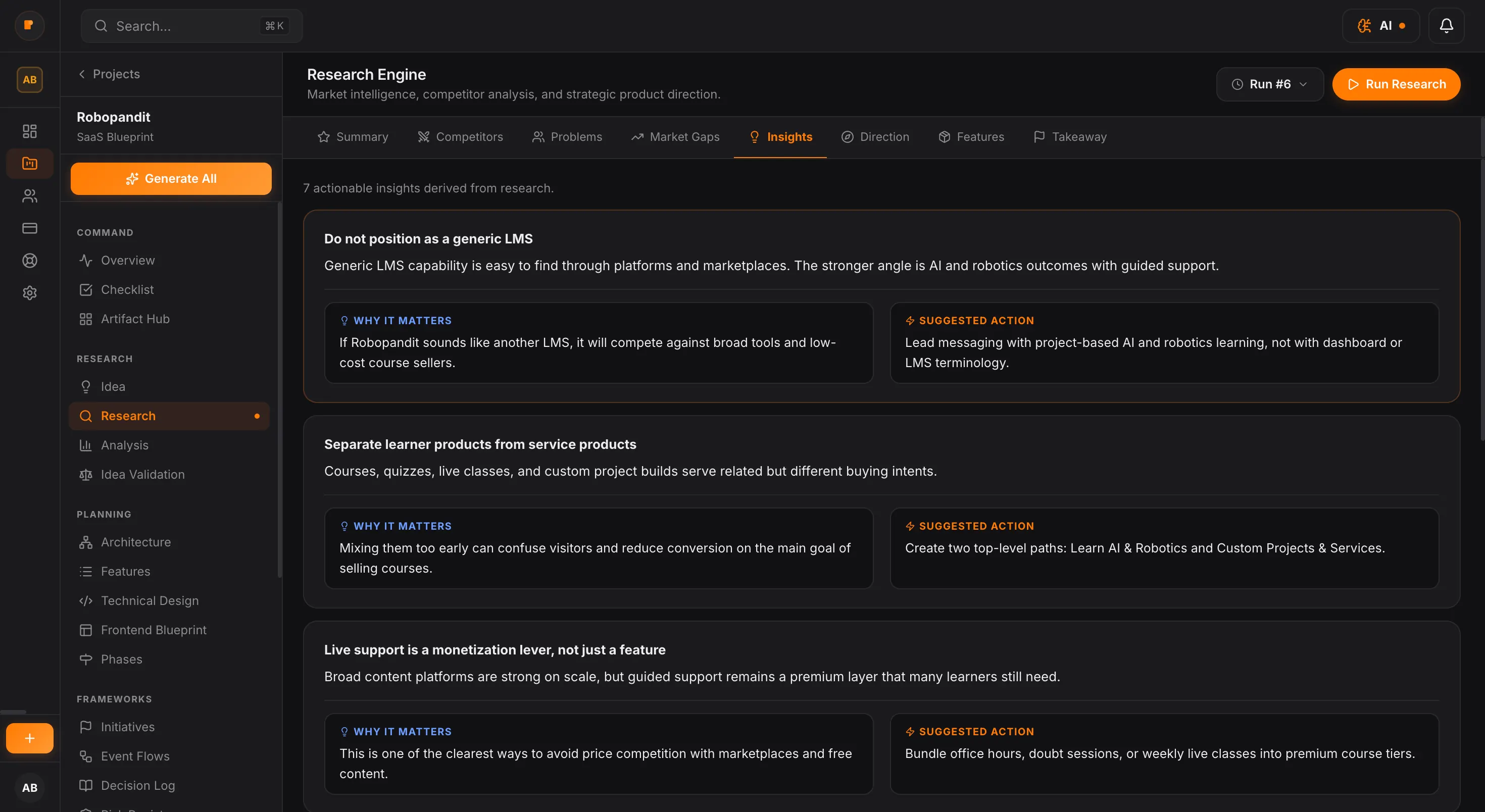
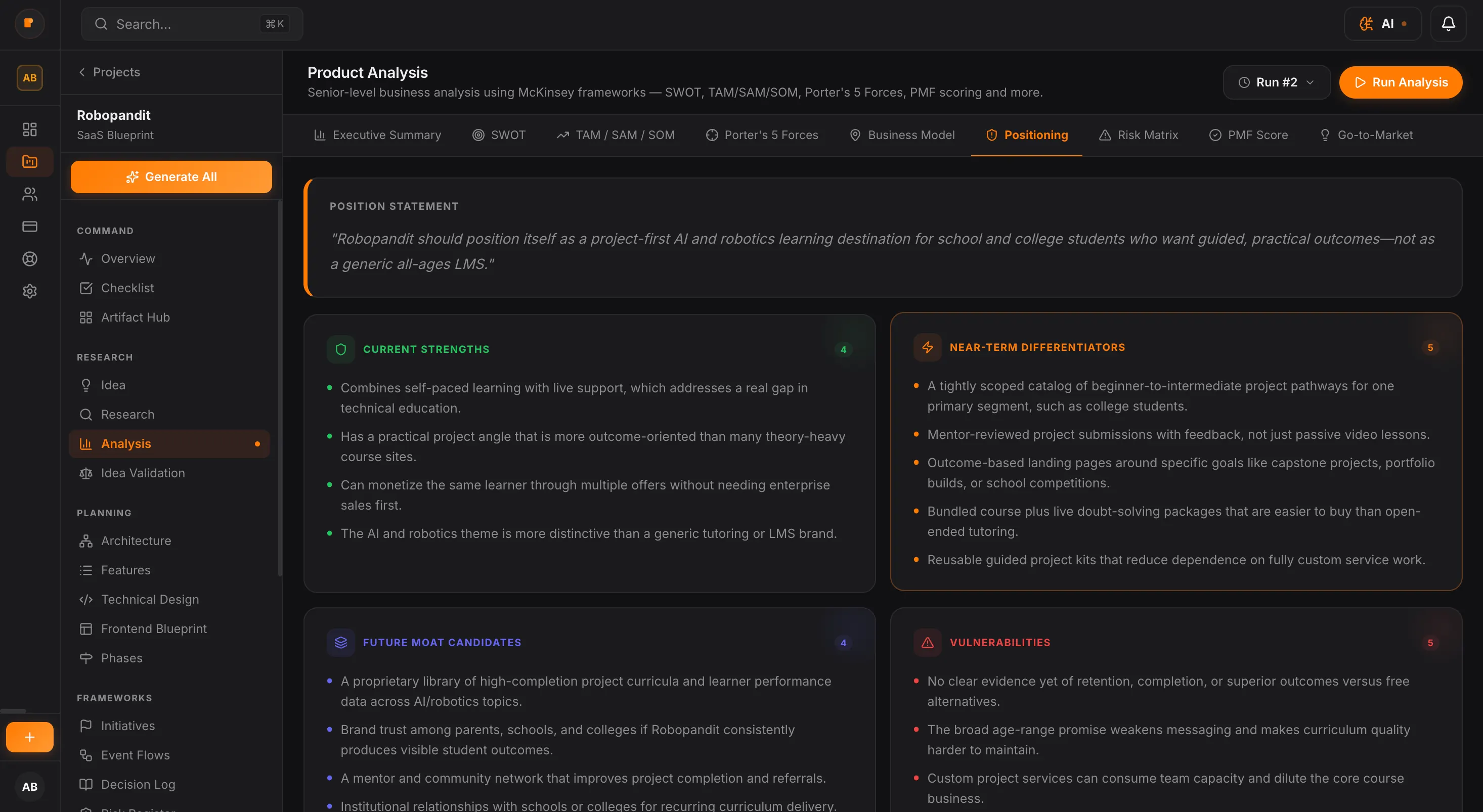
Turn rough ideas into a clear product direction before development starts.
Get architecture, specs, and roadmap in minutes
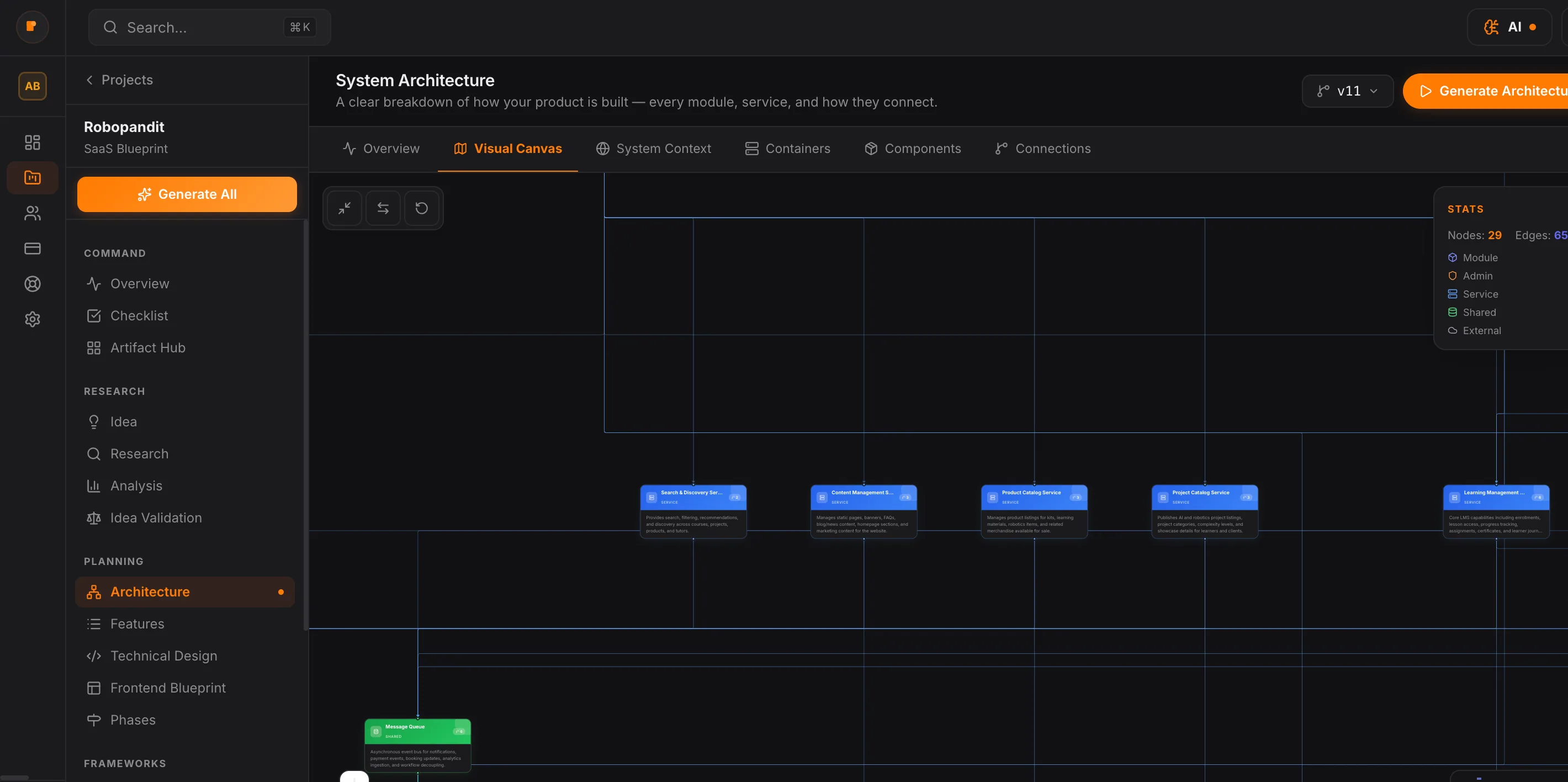
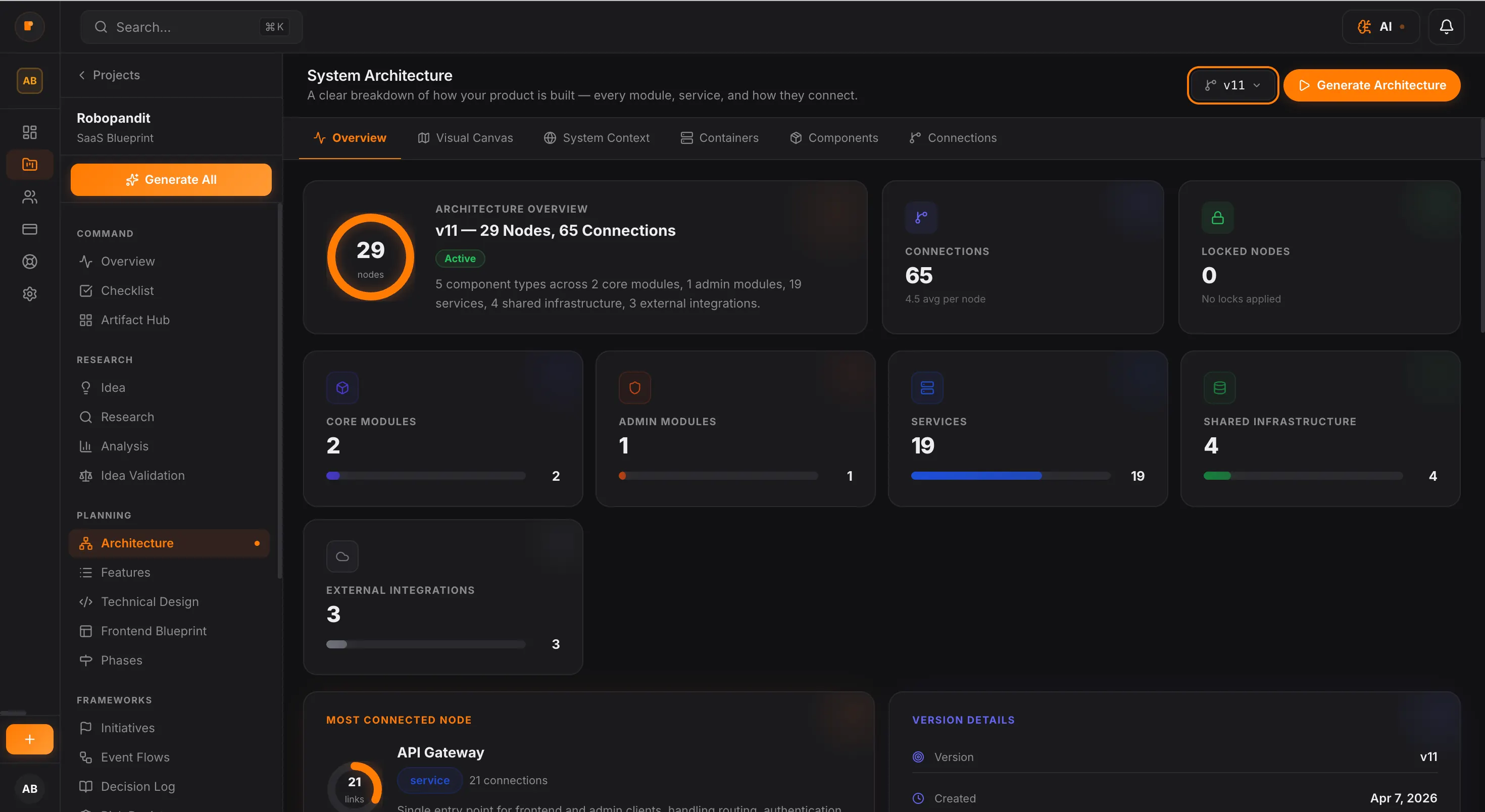
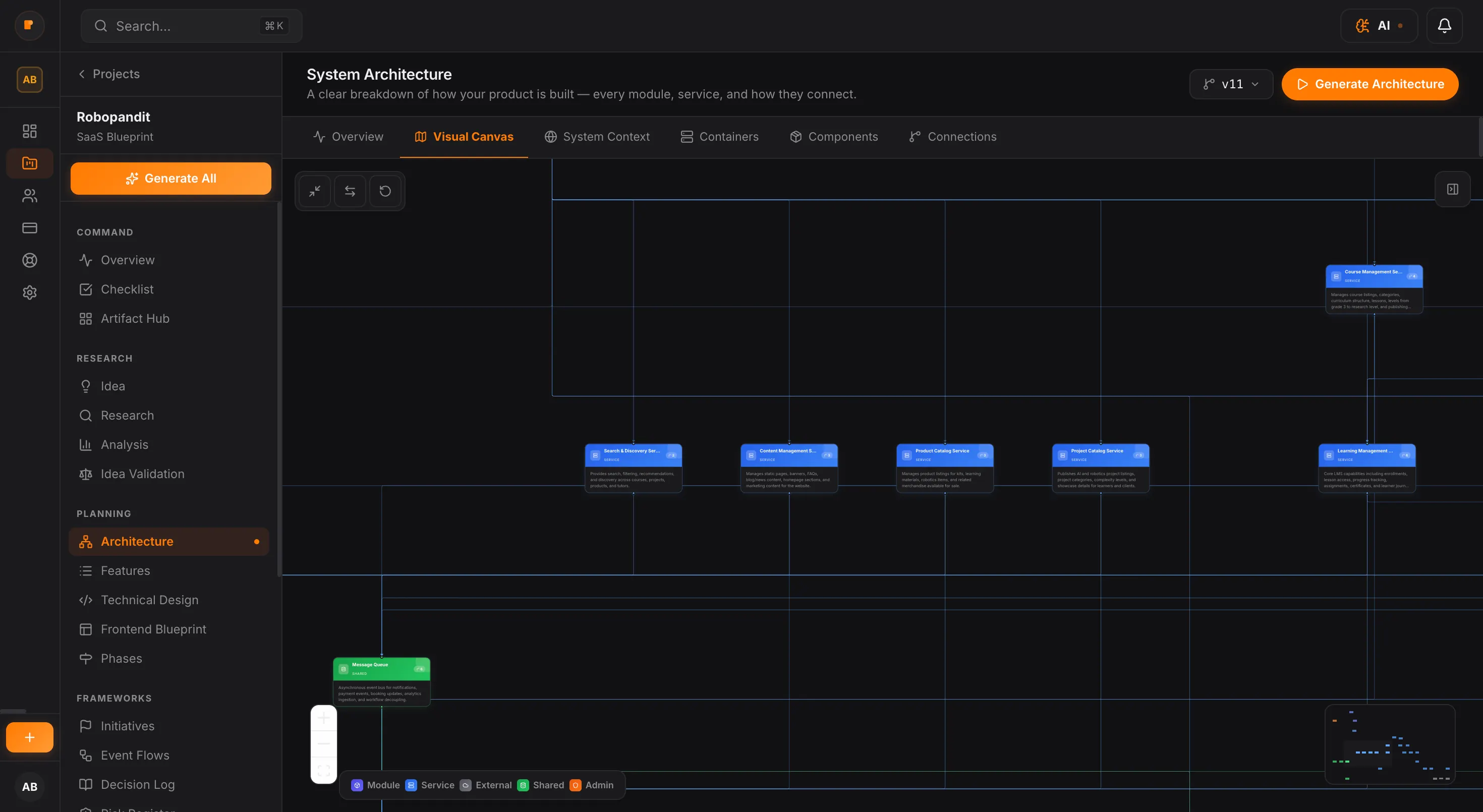
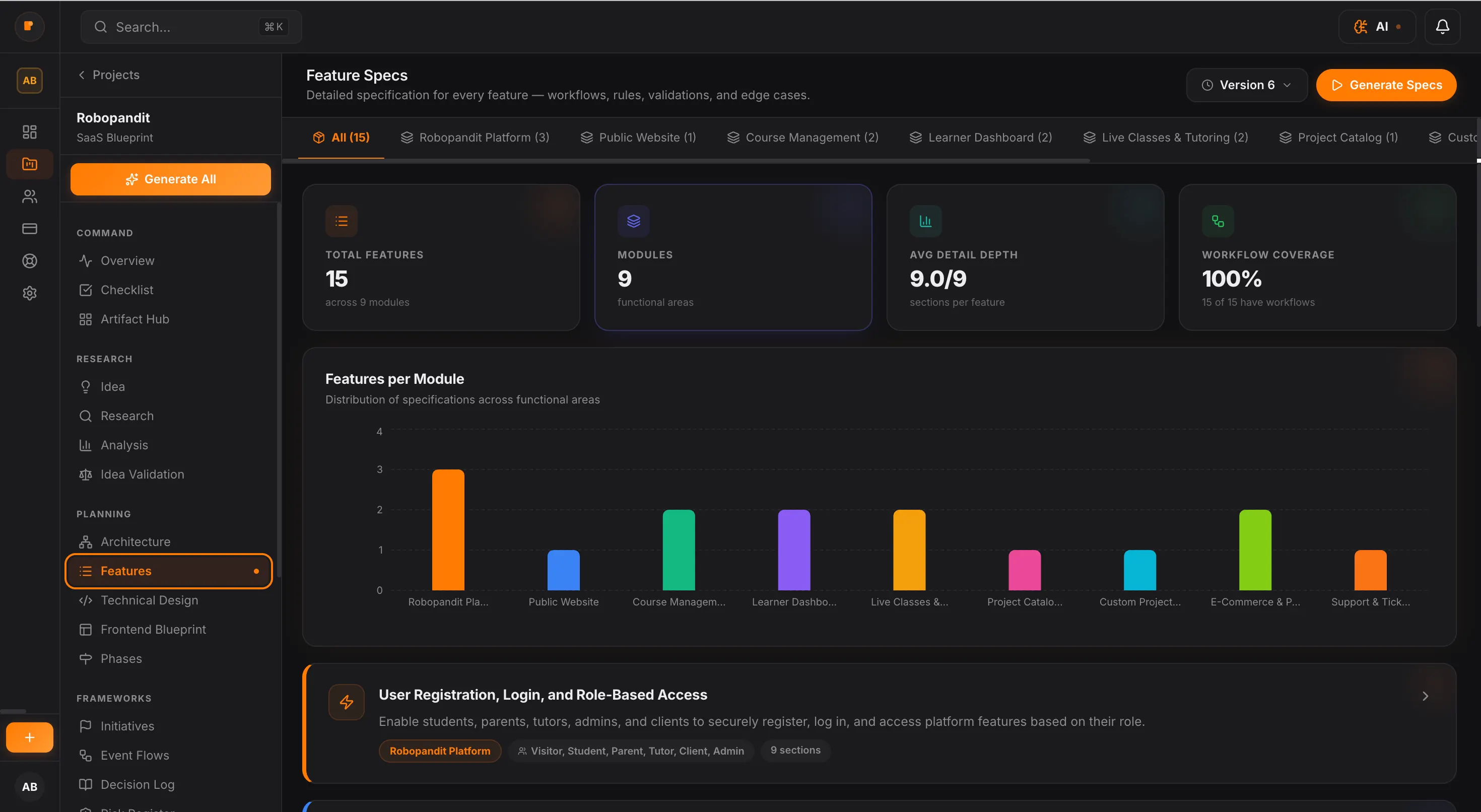
Generate structured features, system architecture, and build priorities in one flow.
Cleaner handoff for developers and AI tools
Create build-ready docs and prompt packs with less confusion and less rework.
Trusted by
AI has made building faster than ever. But faster output does not mean better product decisions. When the product is still loosely defined, speed creates noise instead of momentum — with vague features, shifting priorities, rework, and expensive fixes later.
Real progress starts with clarity, not just speed.
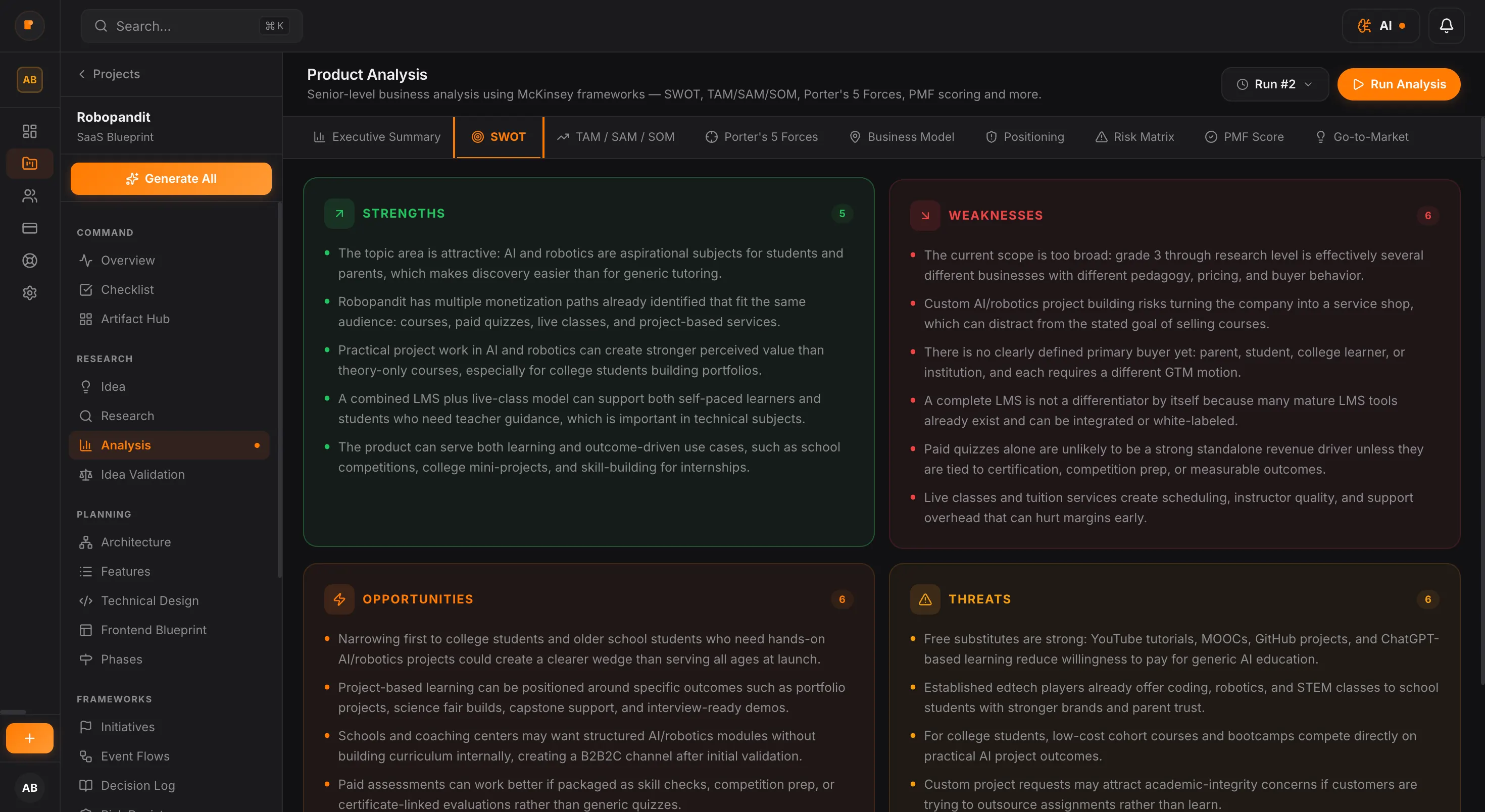
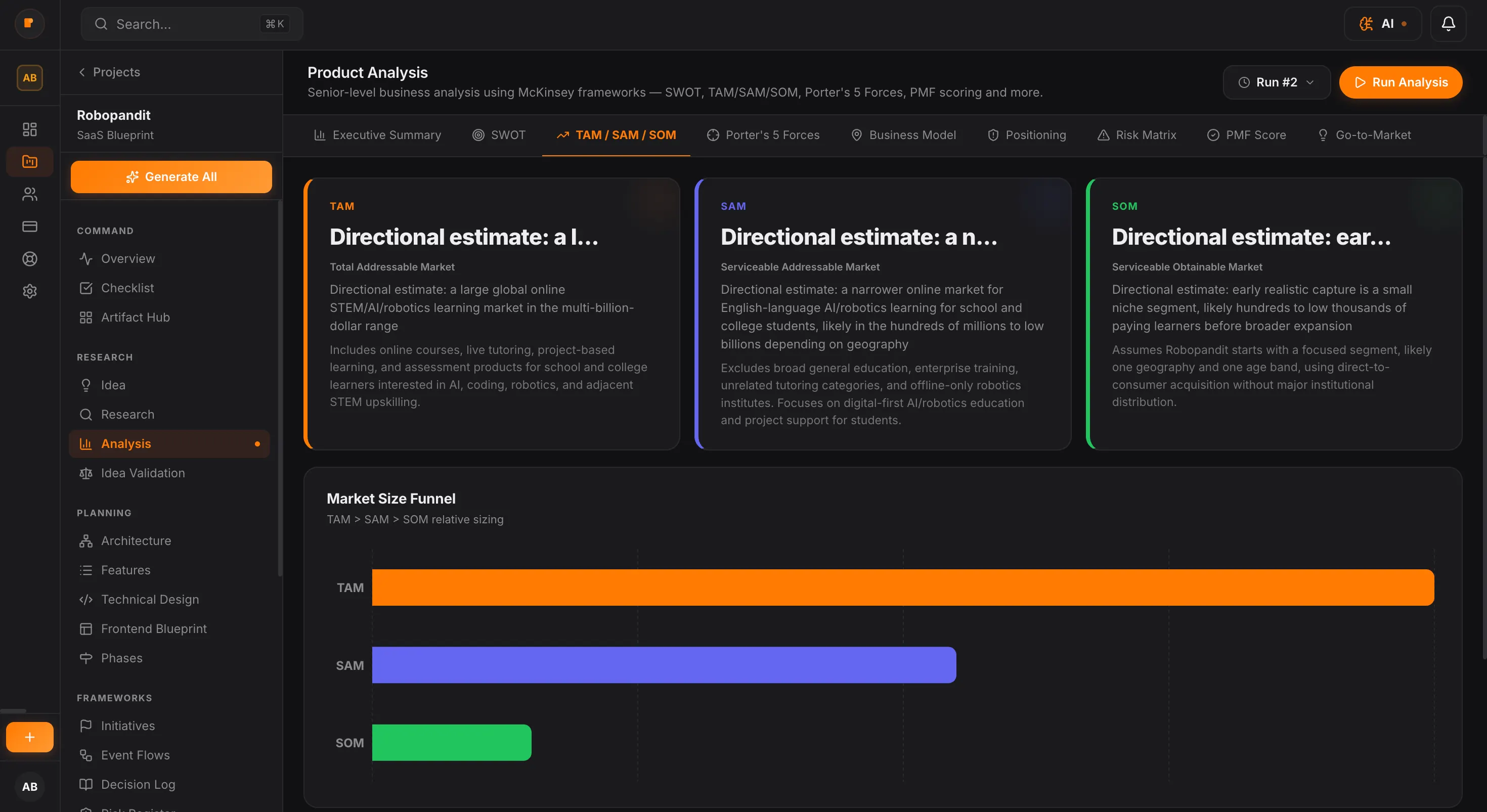
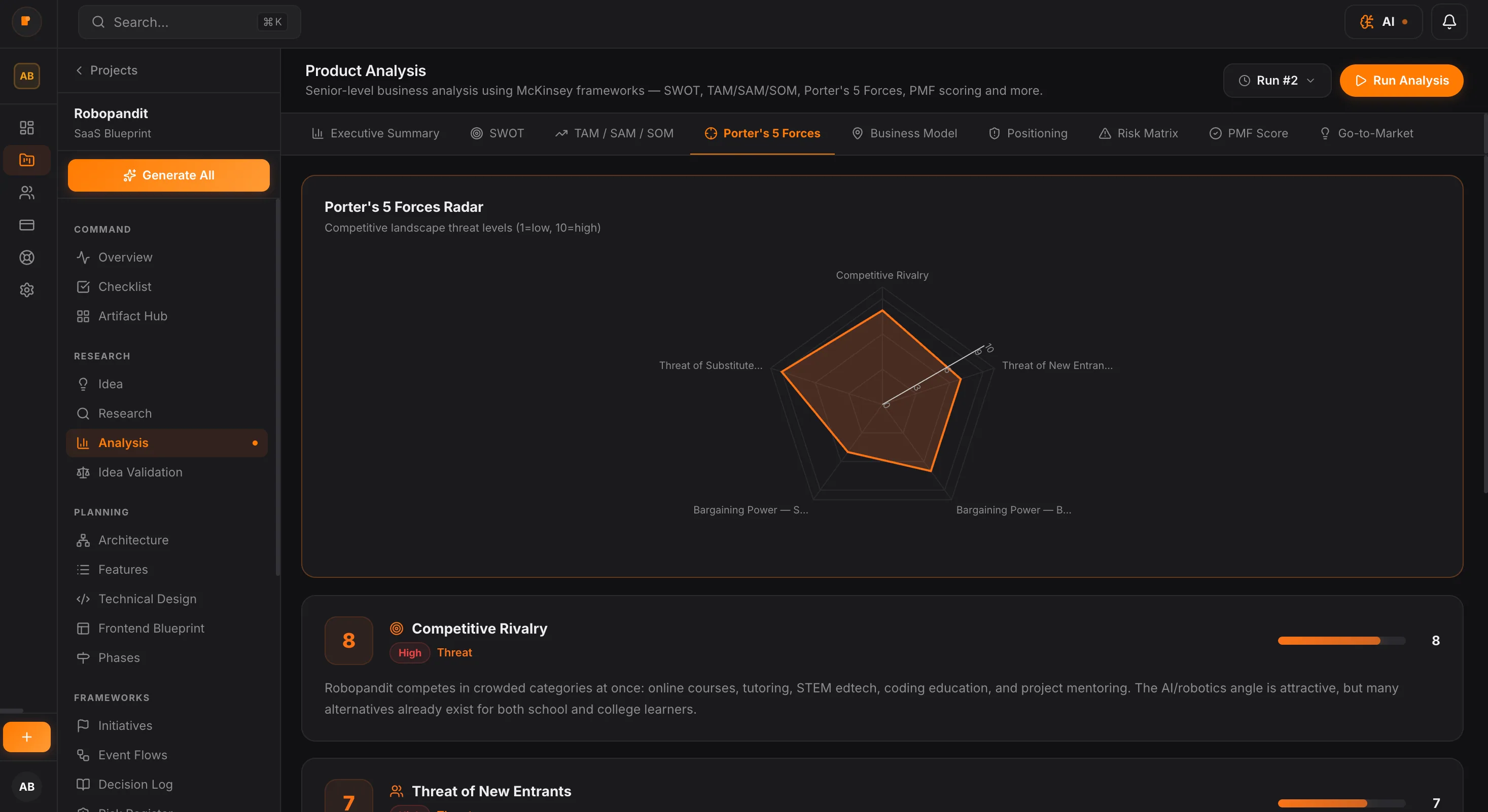
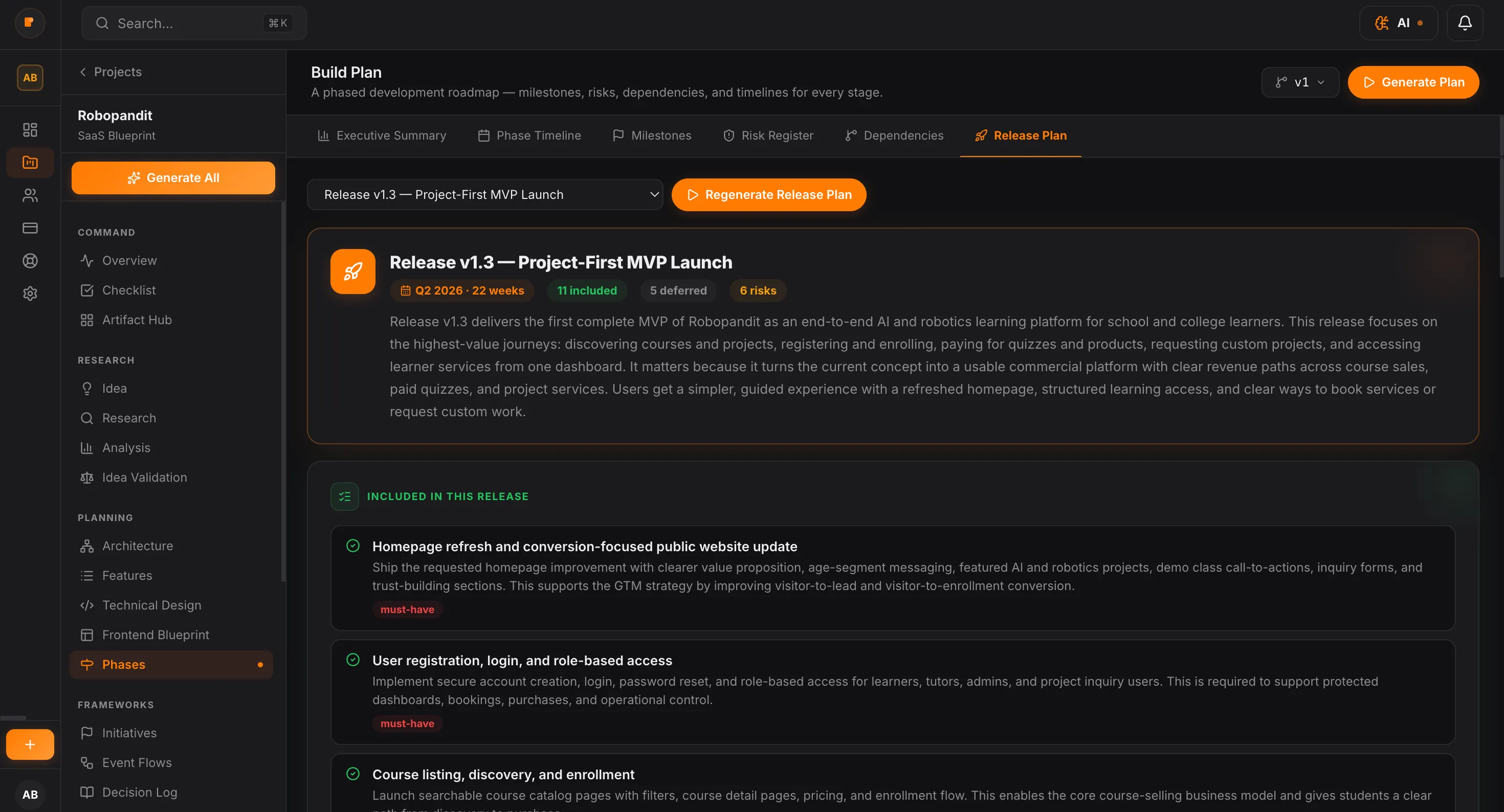
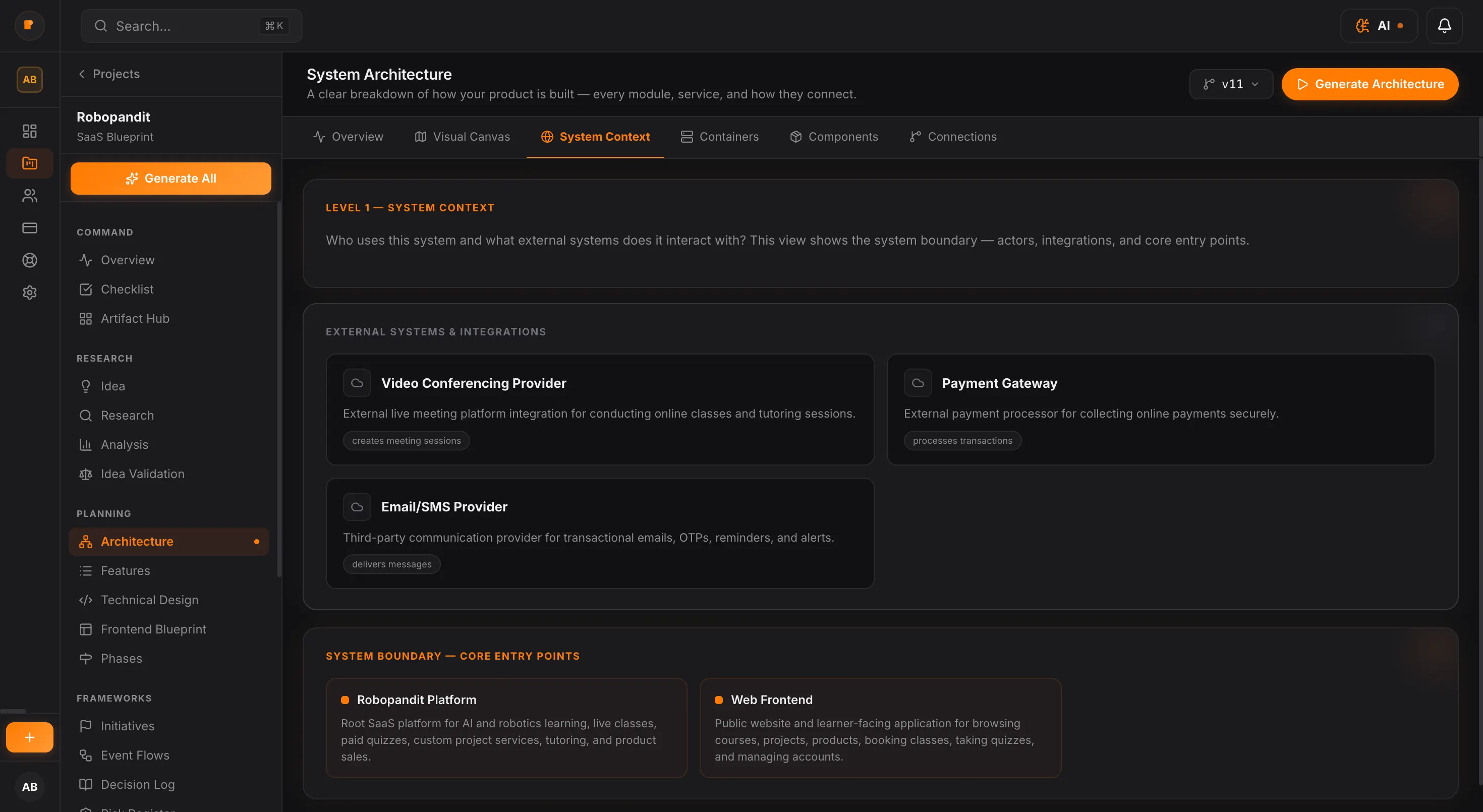
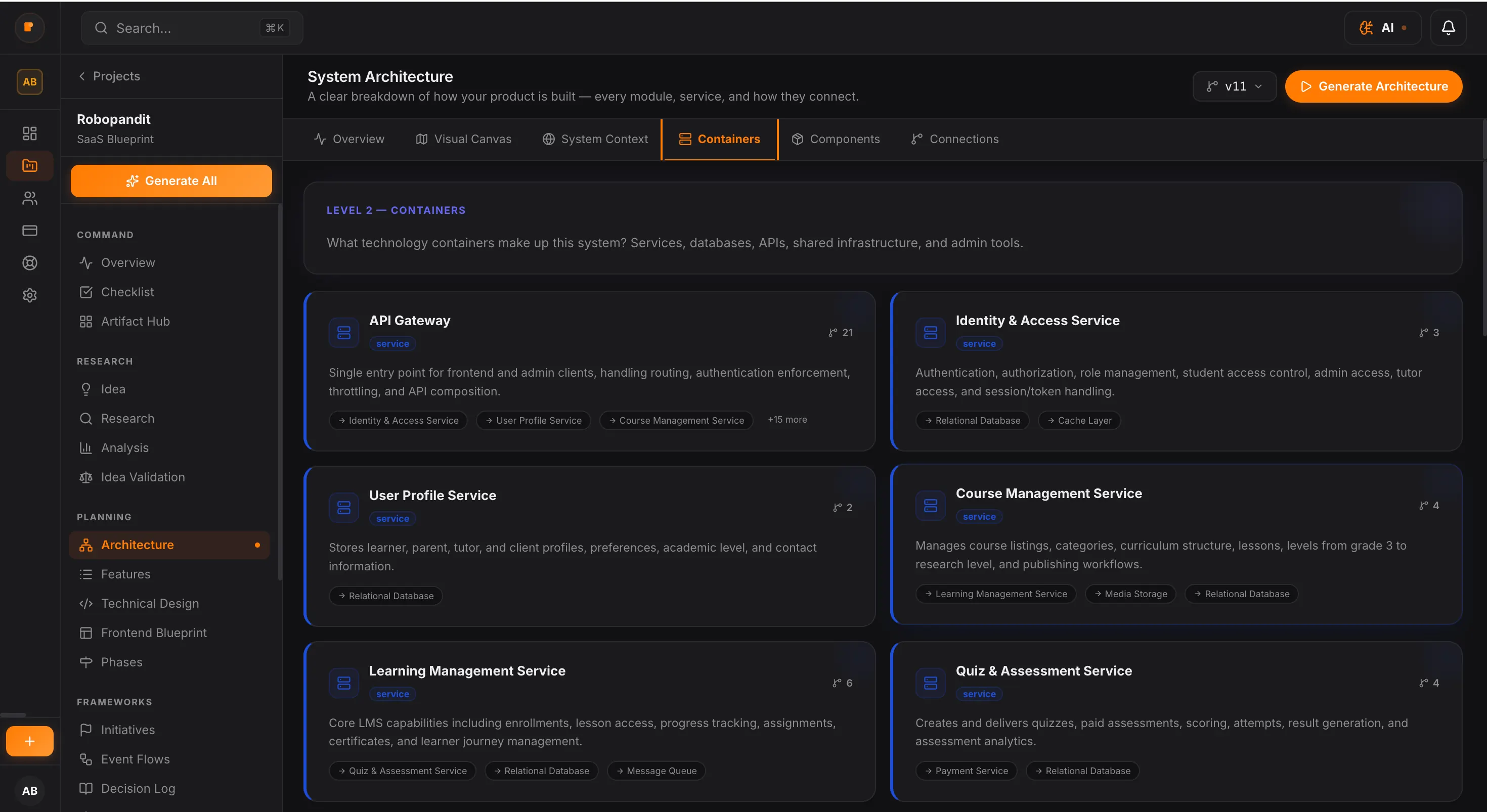
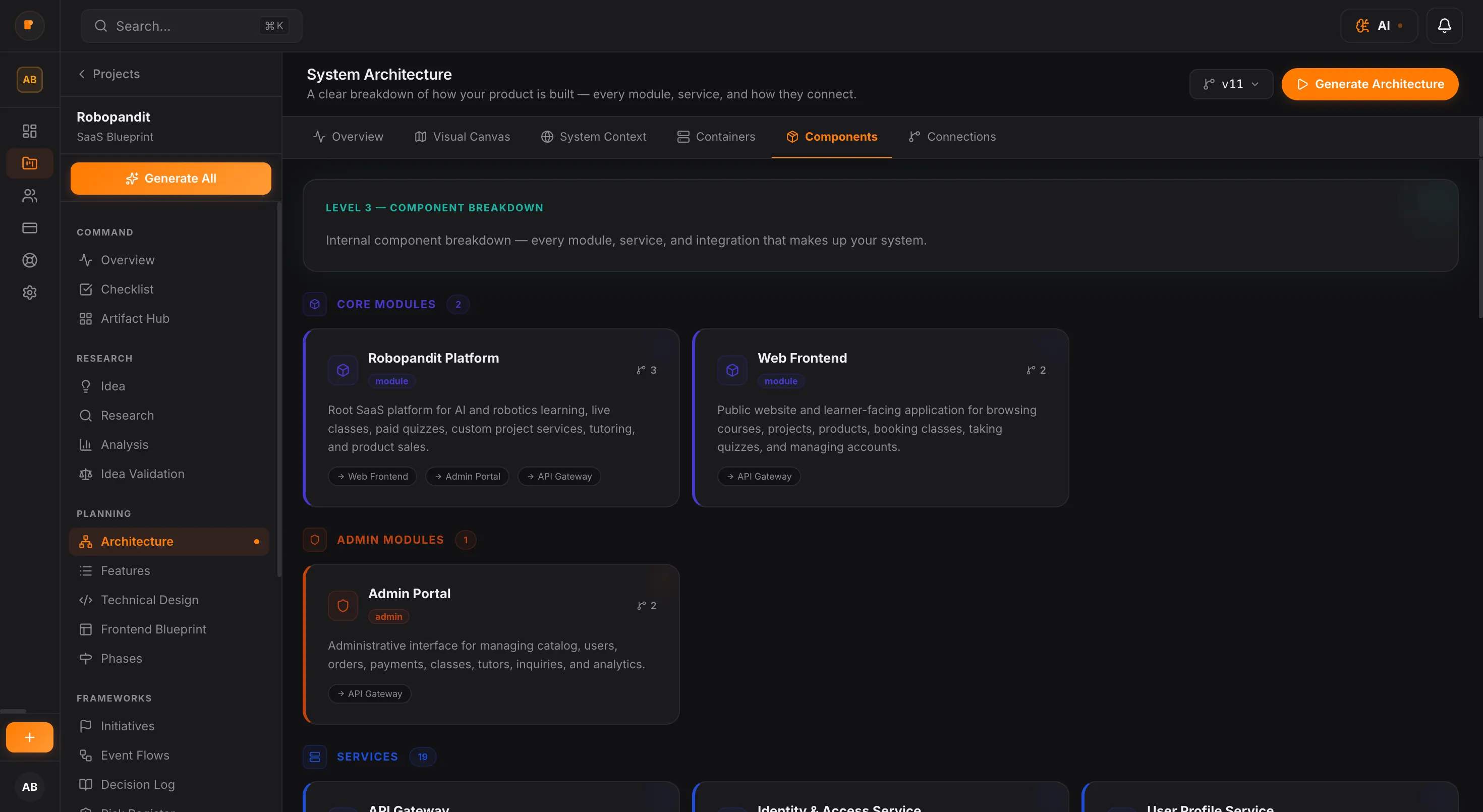
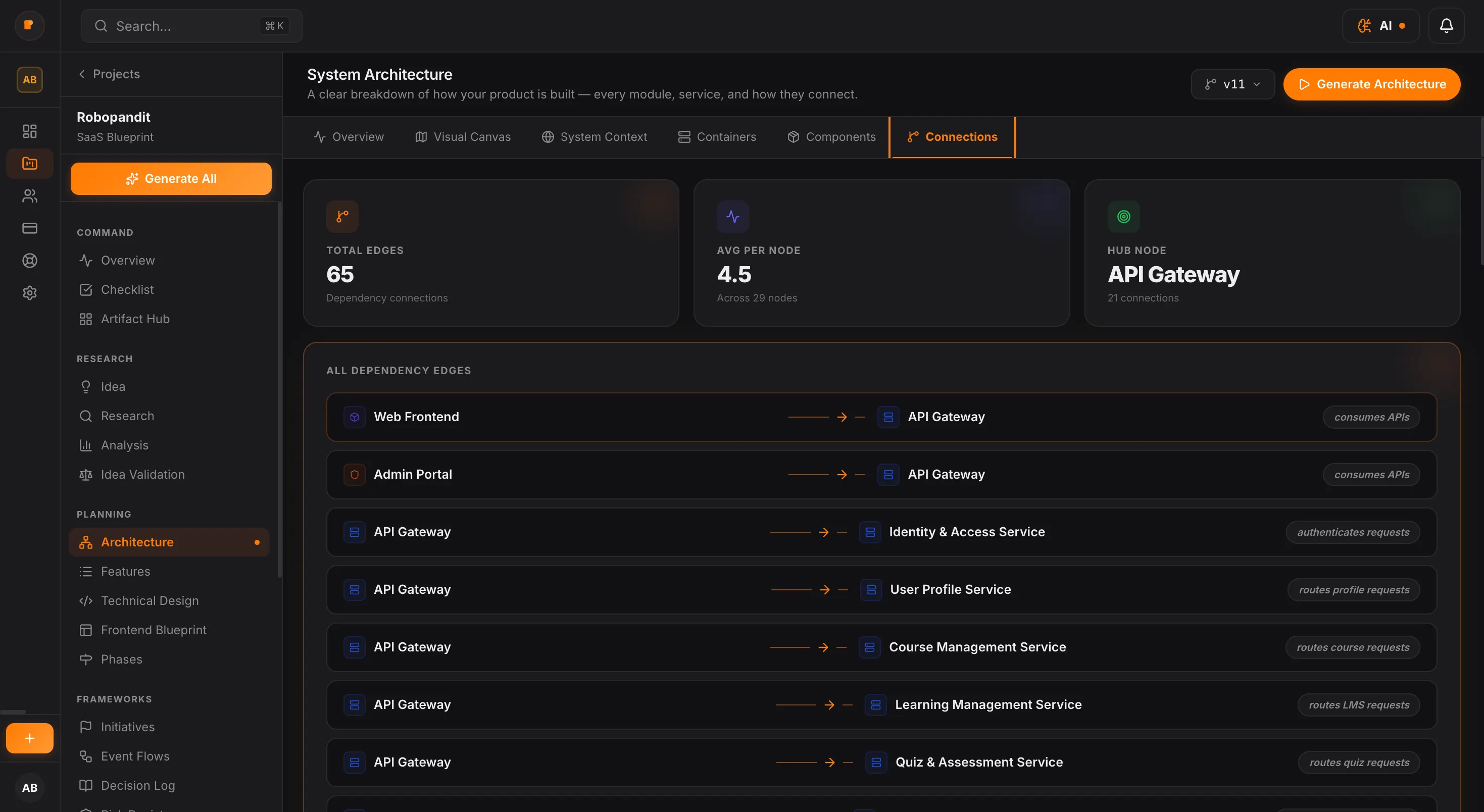
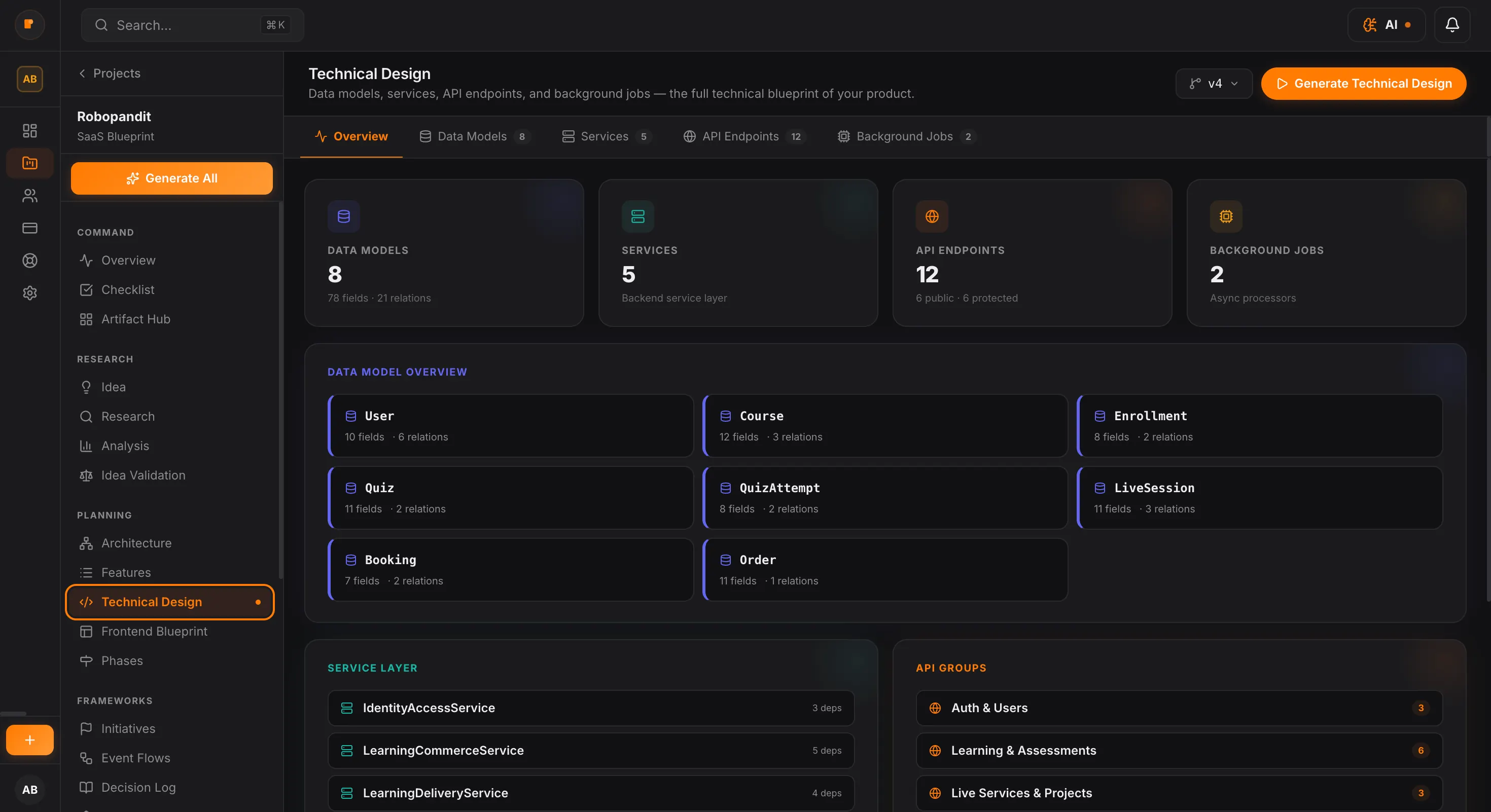
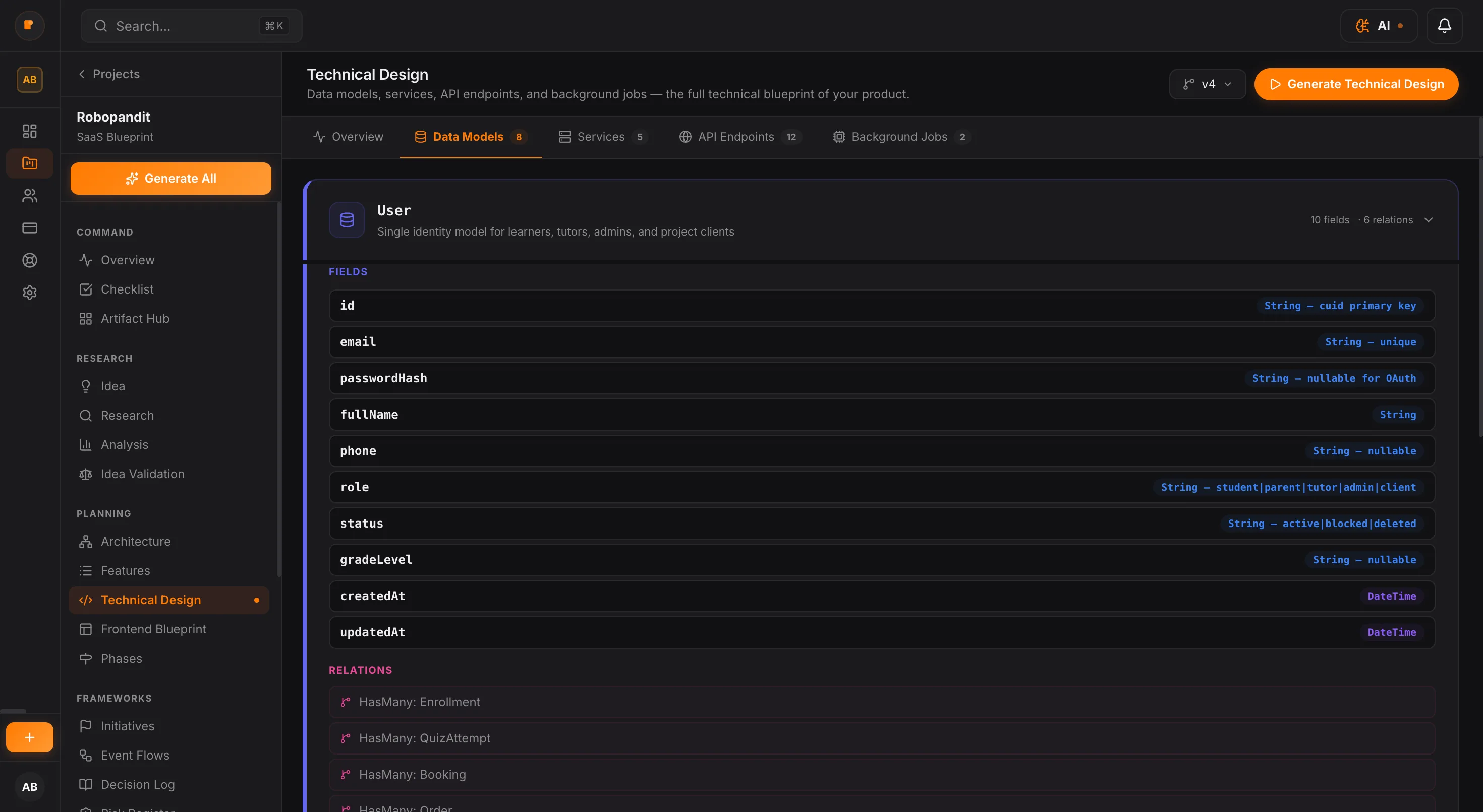
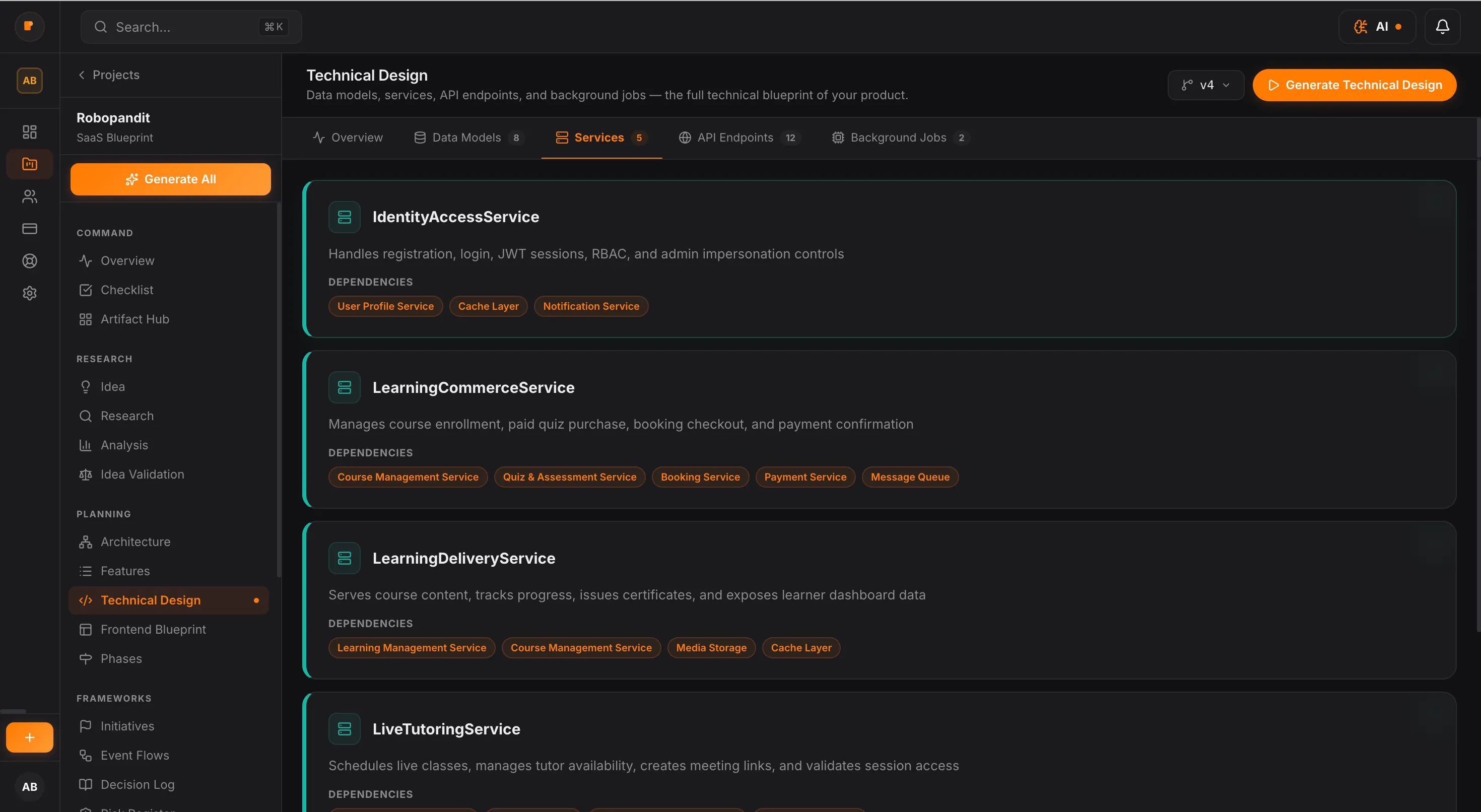
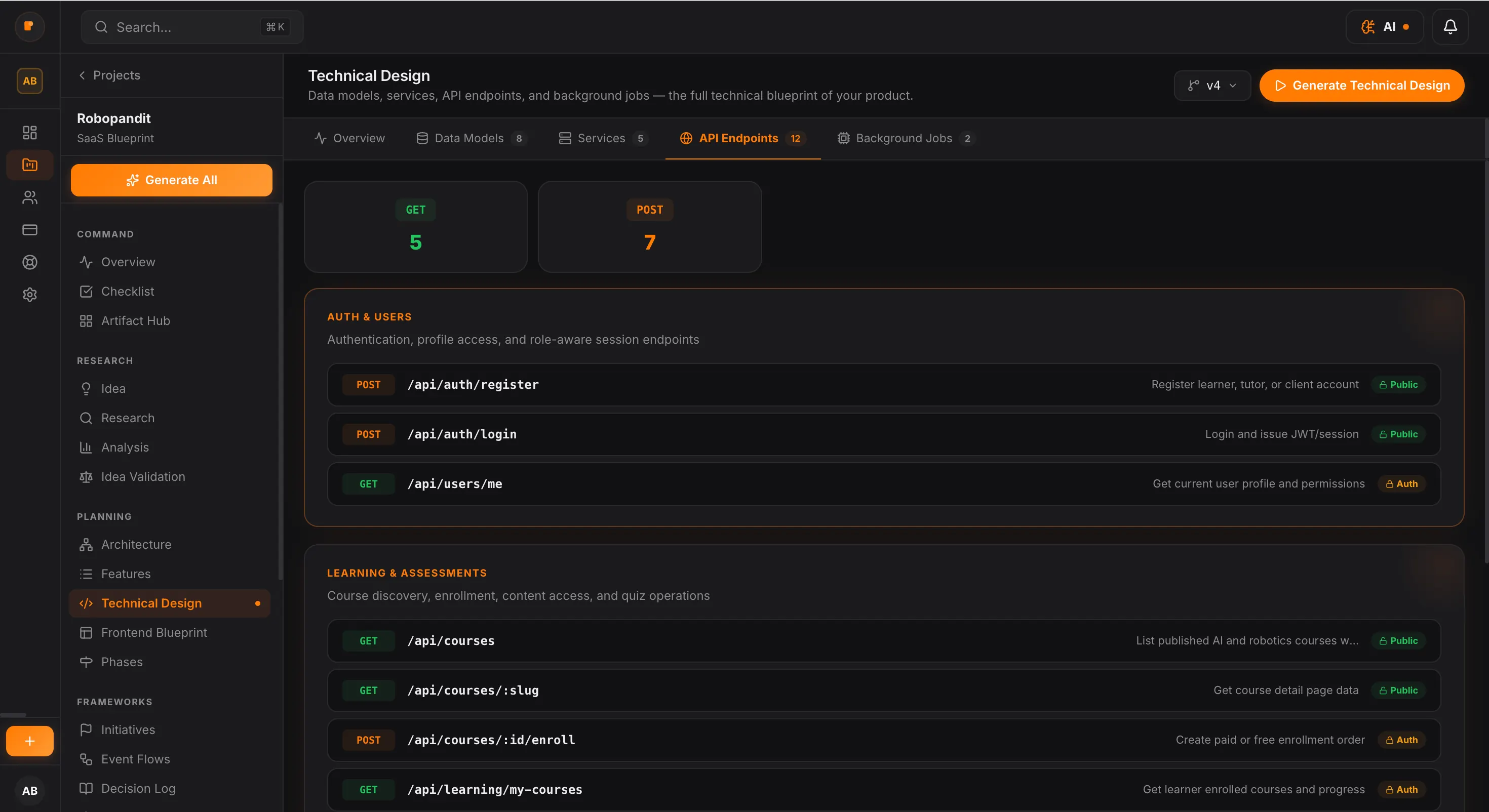
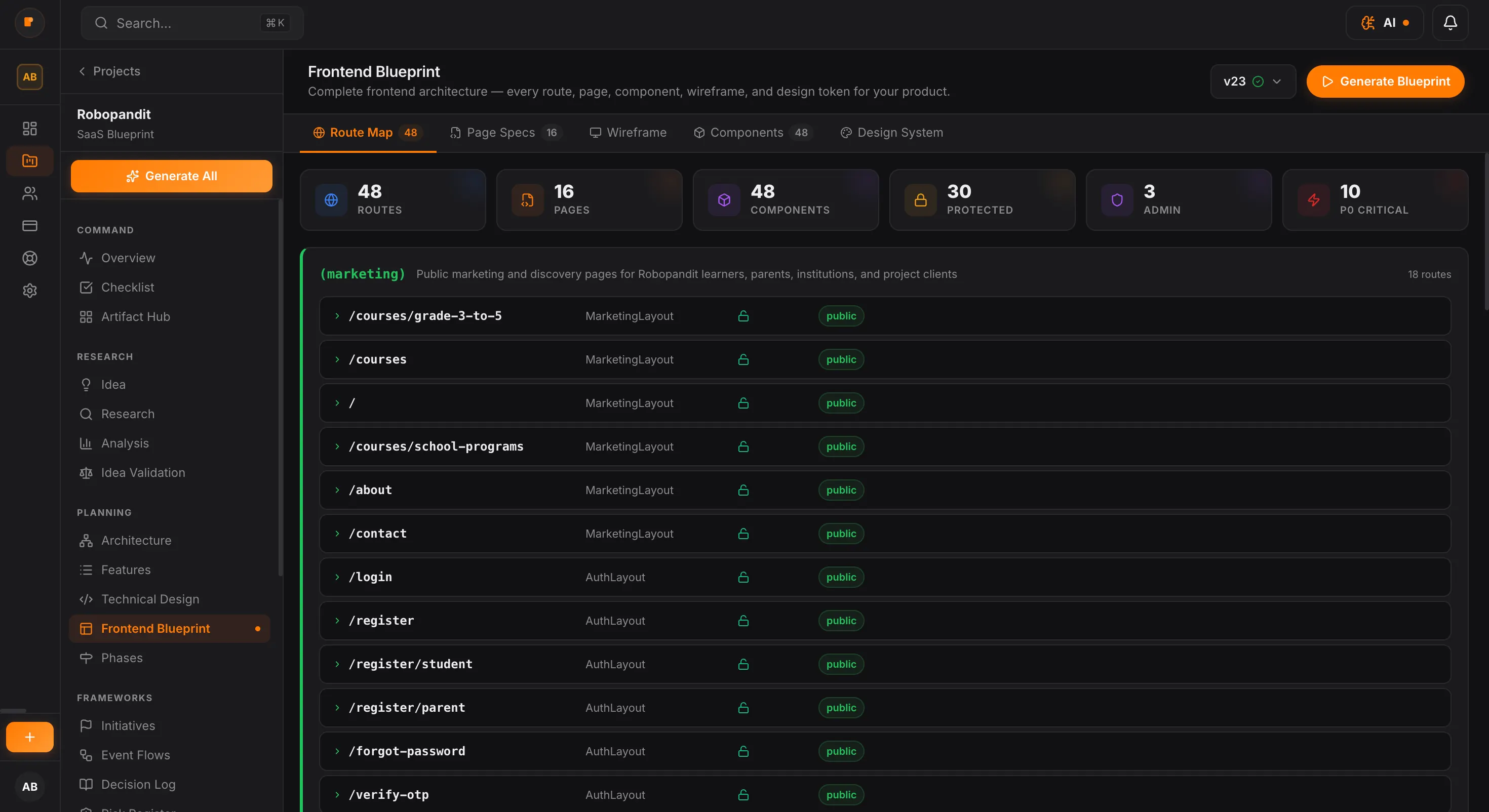
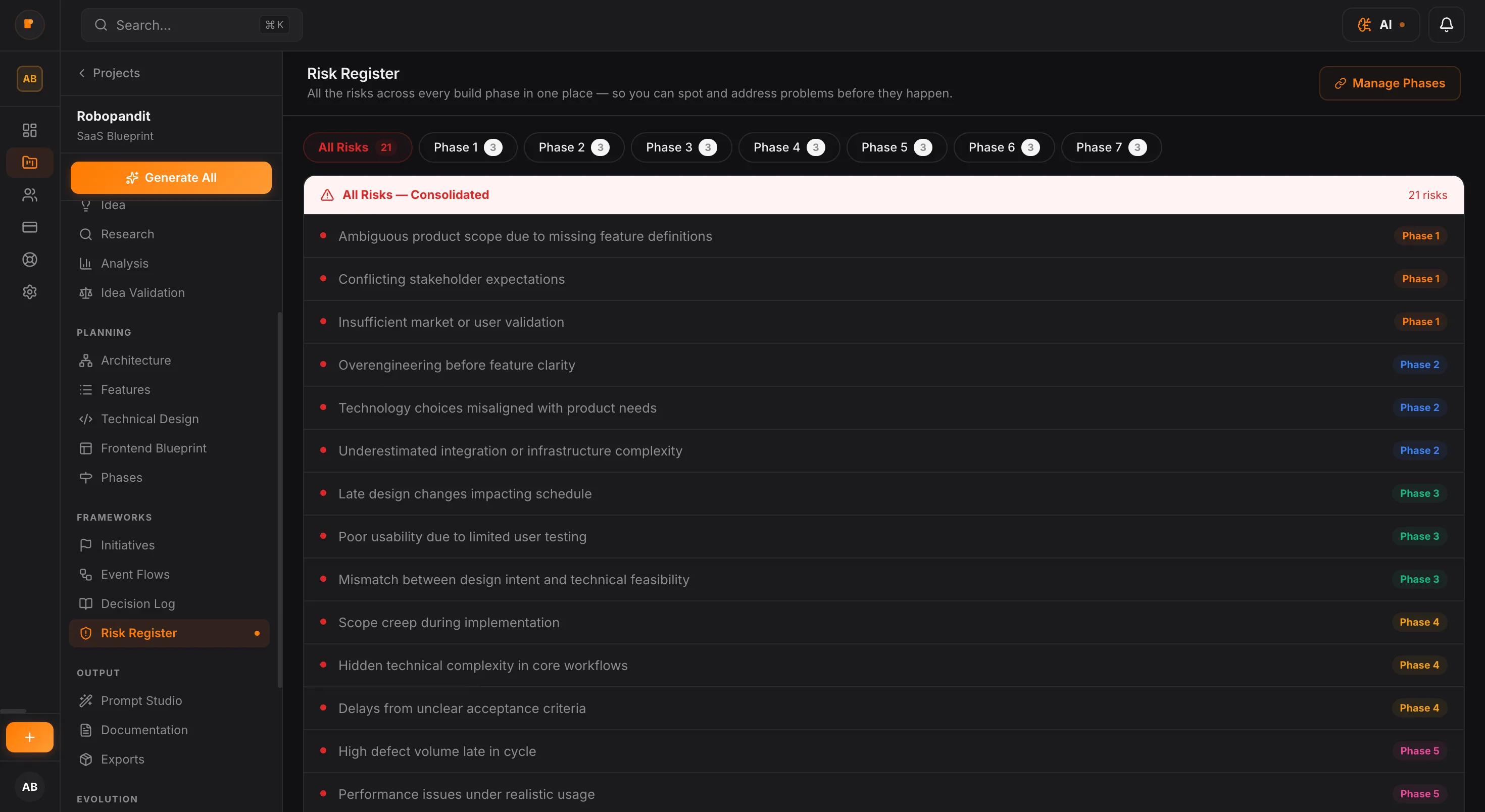
PlanMySaaS takes the early mess — scattered features, unclear priorities, and technical uncertainty — and turns it into a structured product blueprint. So before development begins, you already know what belongs in the product, how the system fits together, and what should be built first.
Structure is what turns a promising idea into a buildable product.
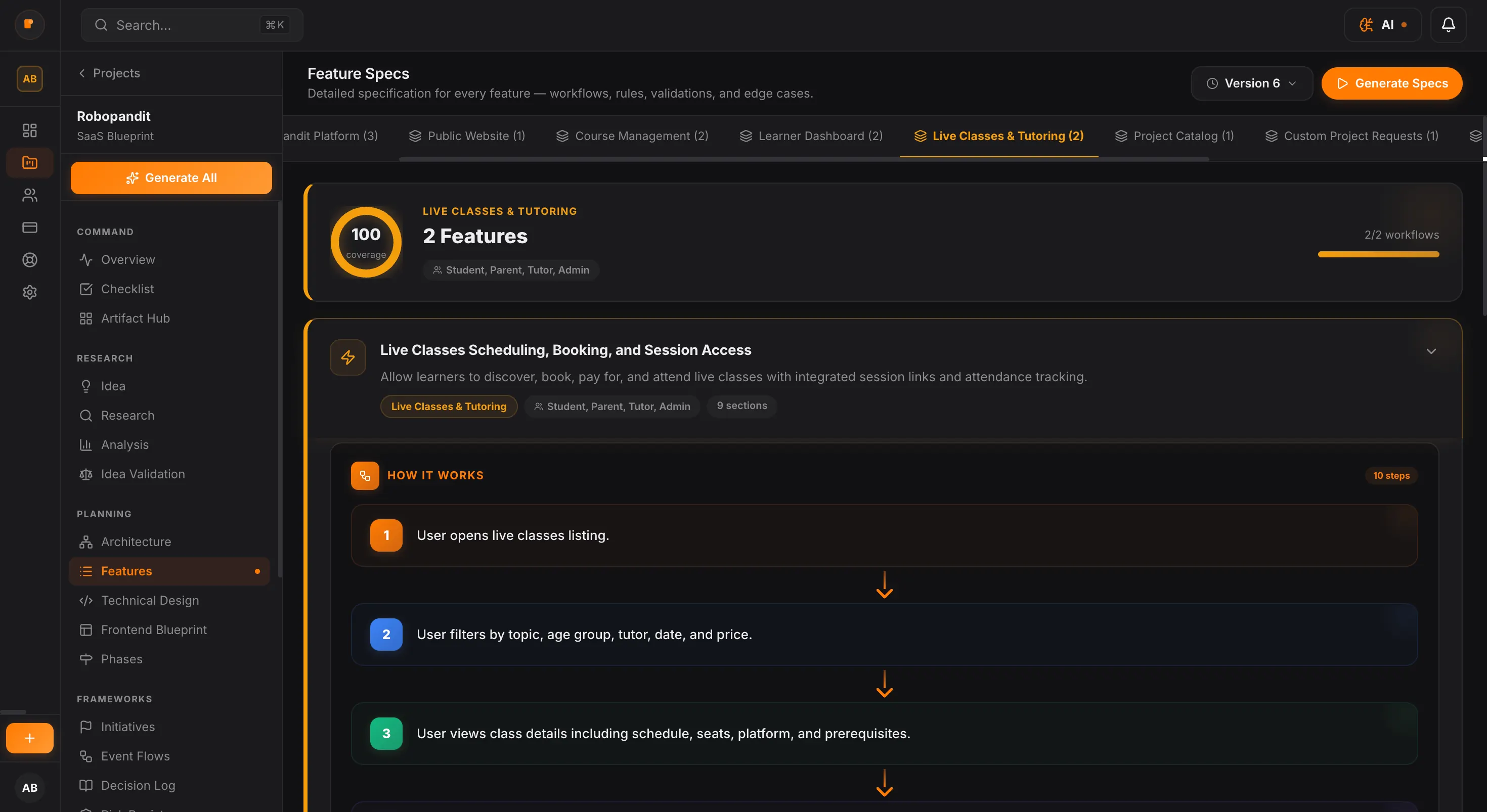
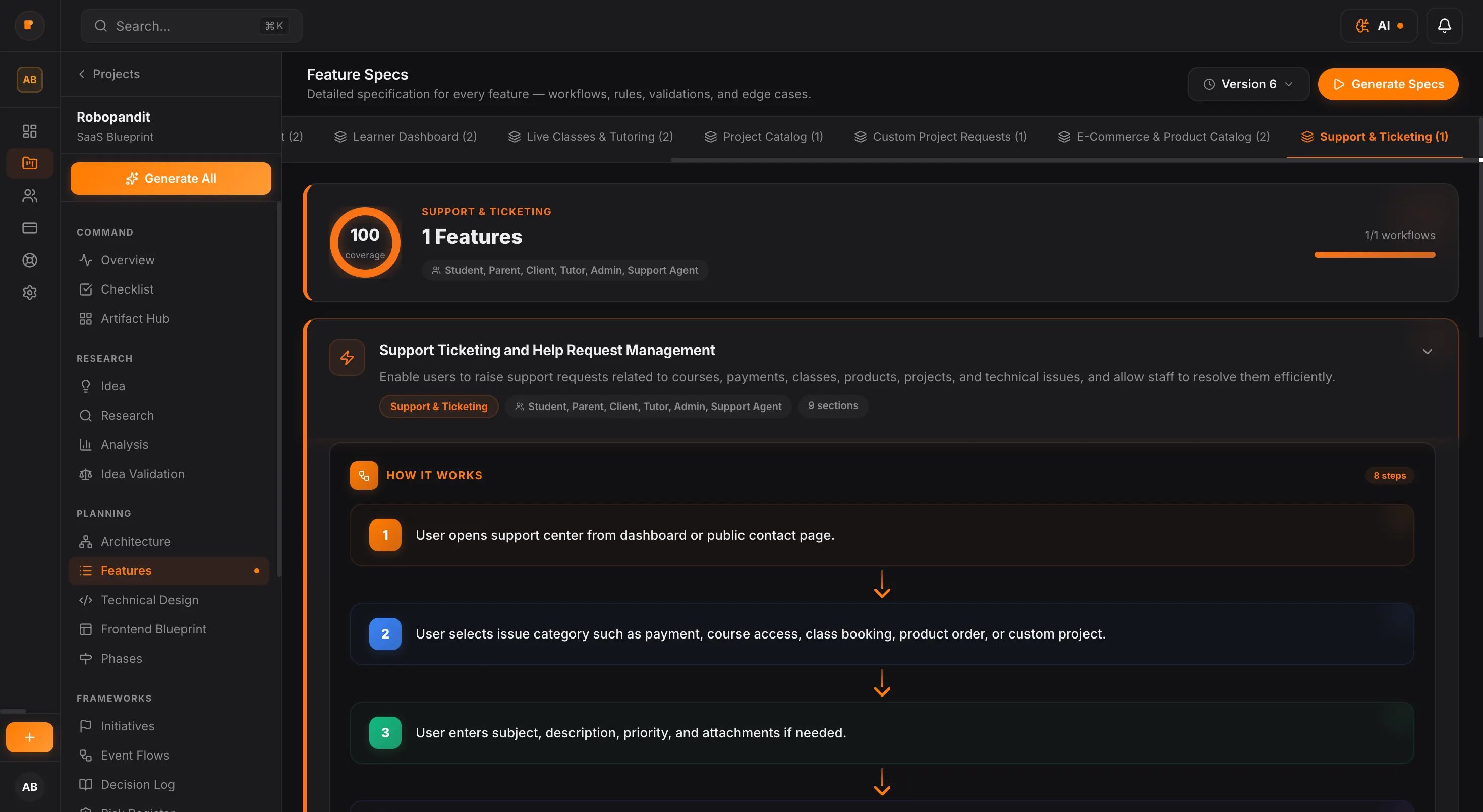
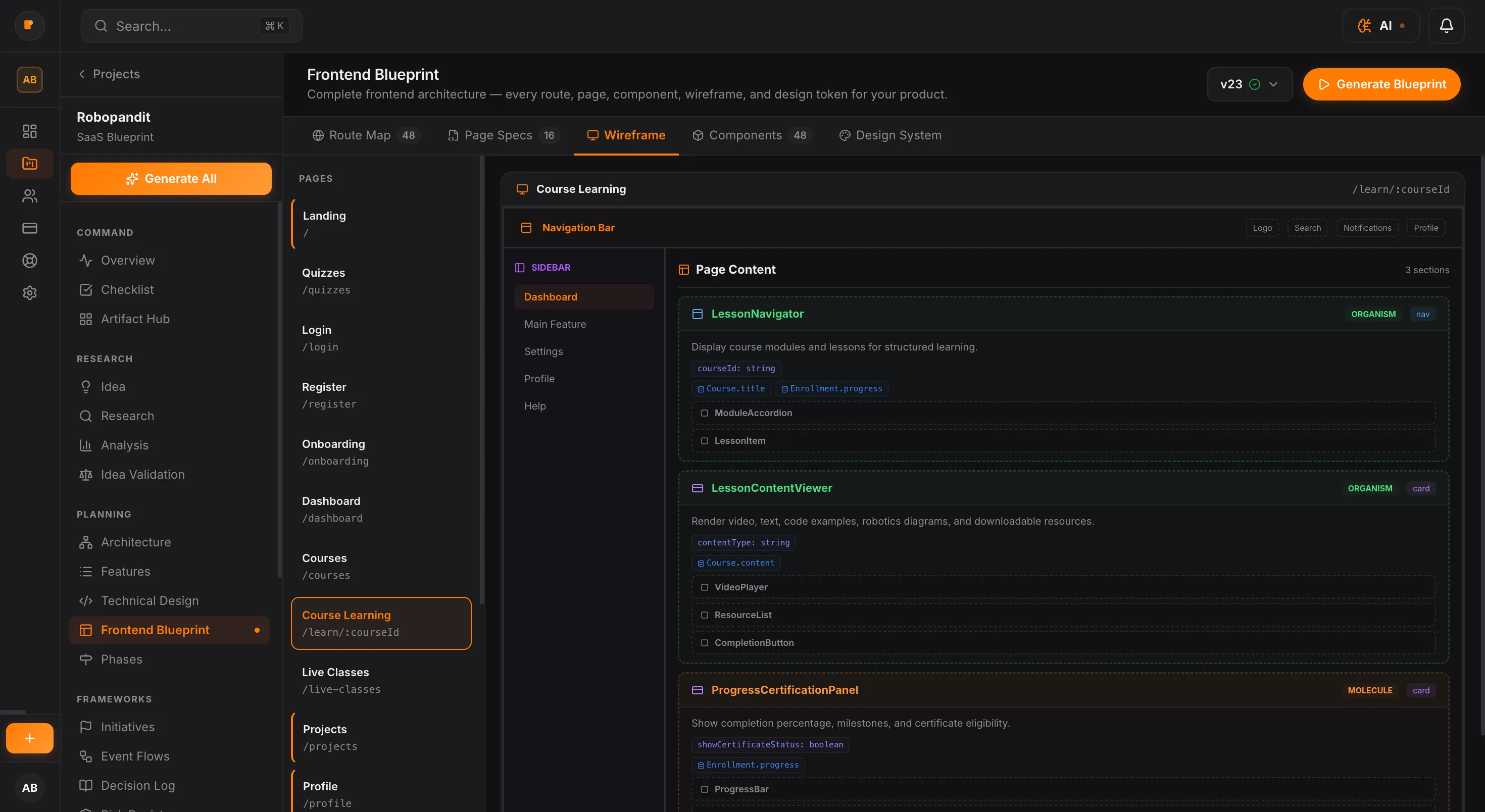
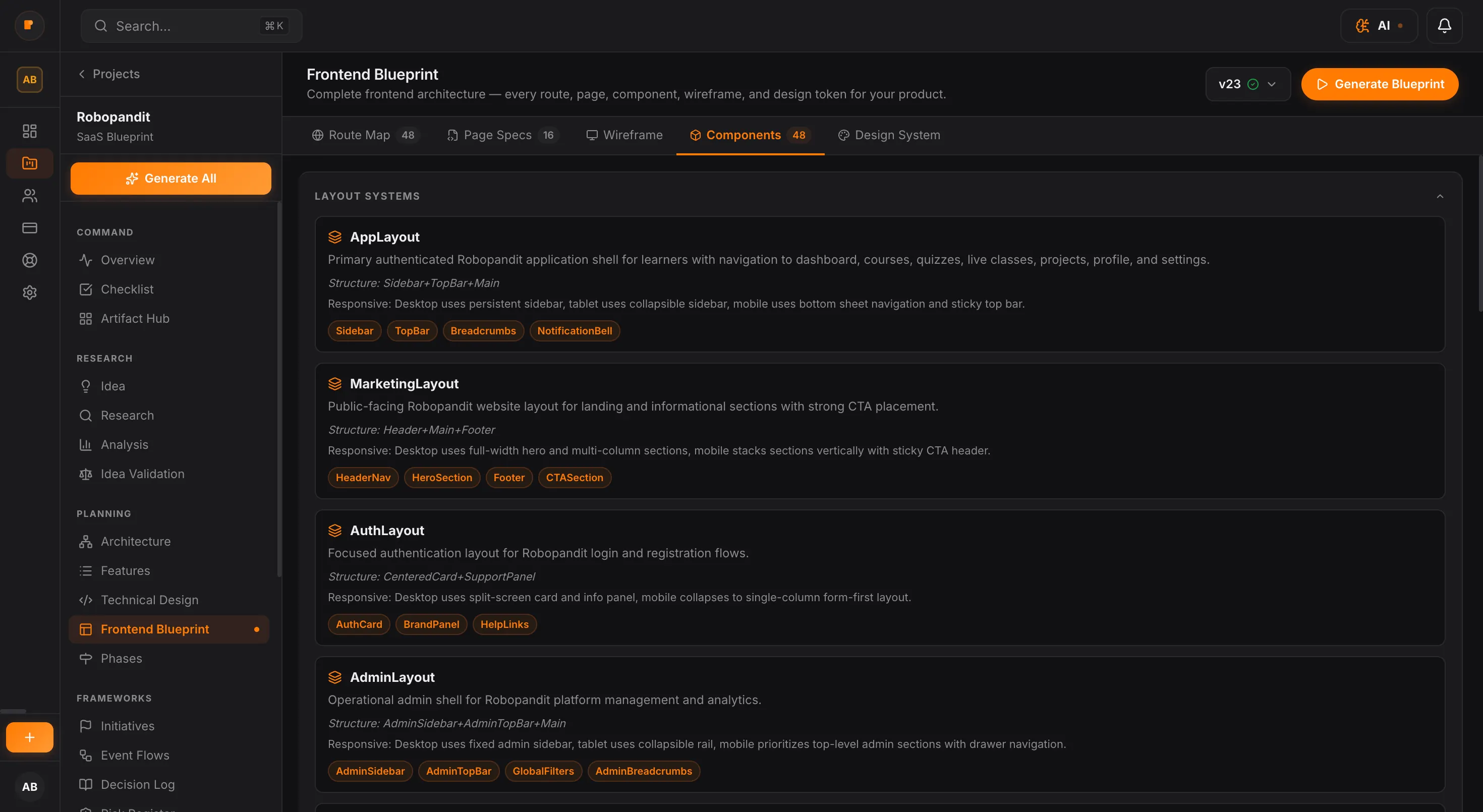
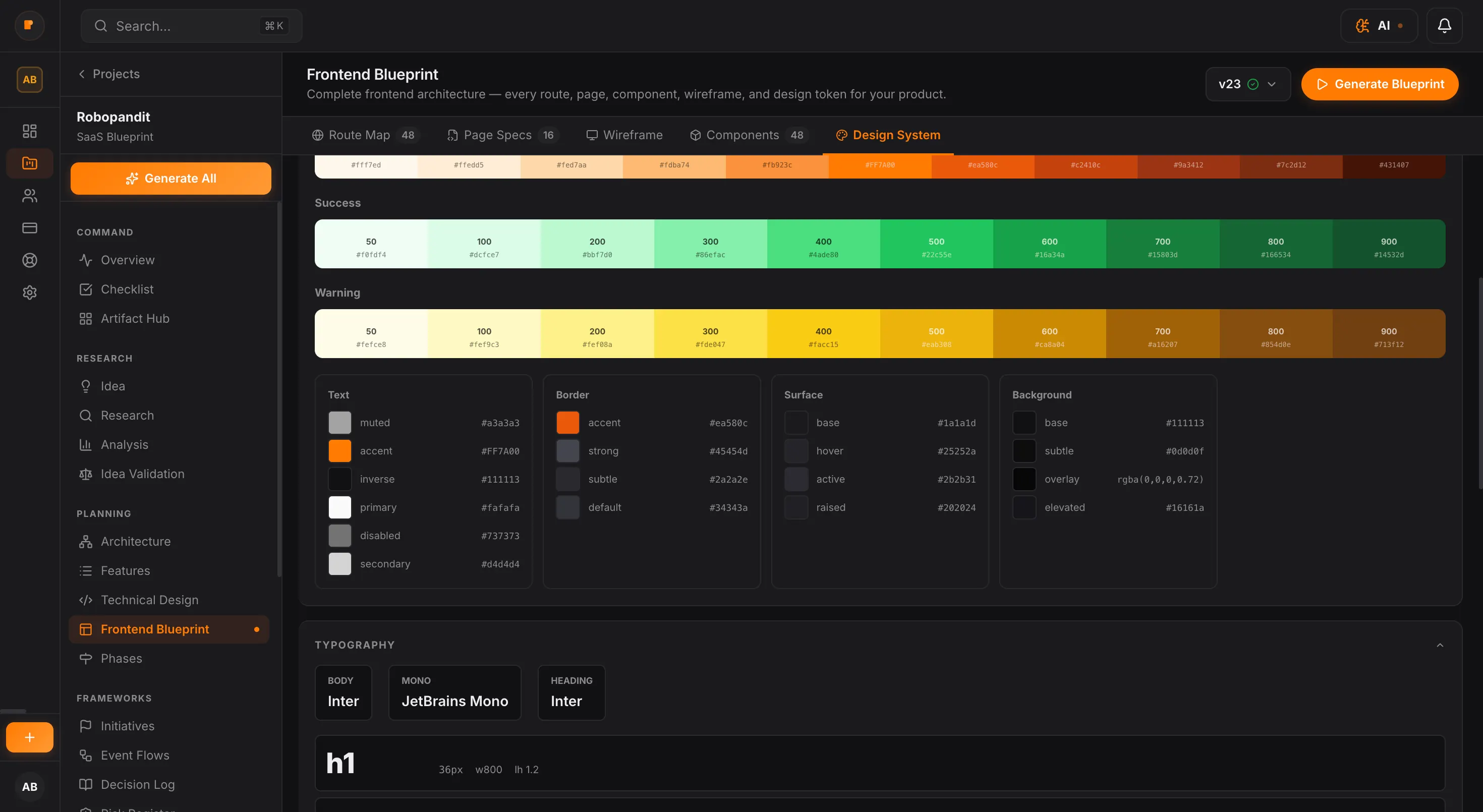
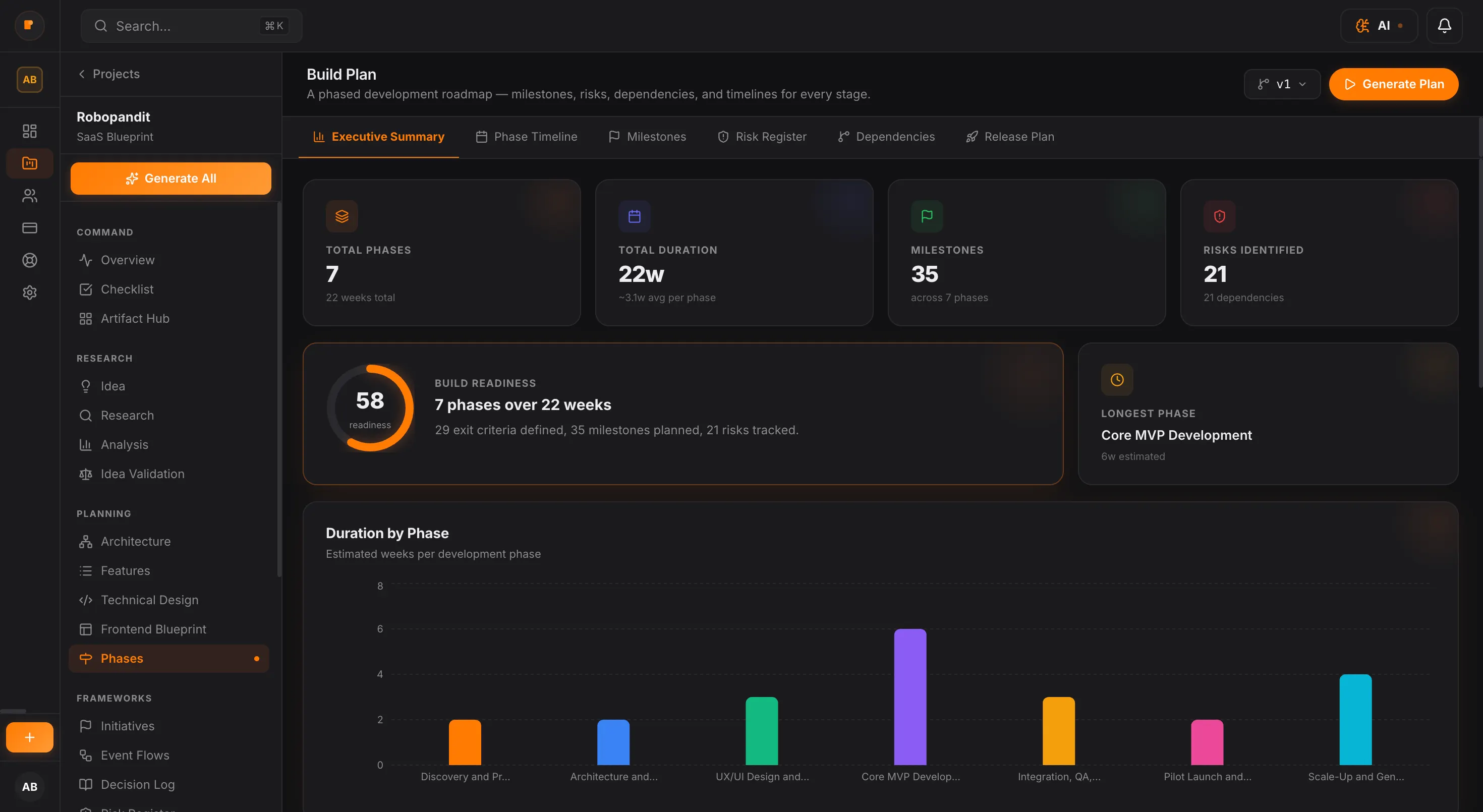
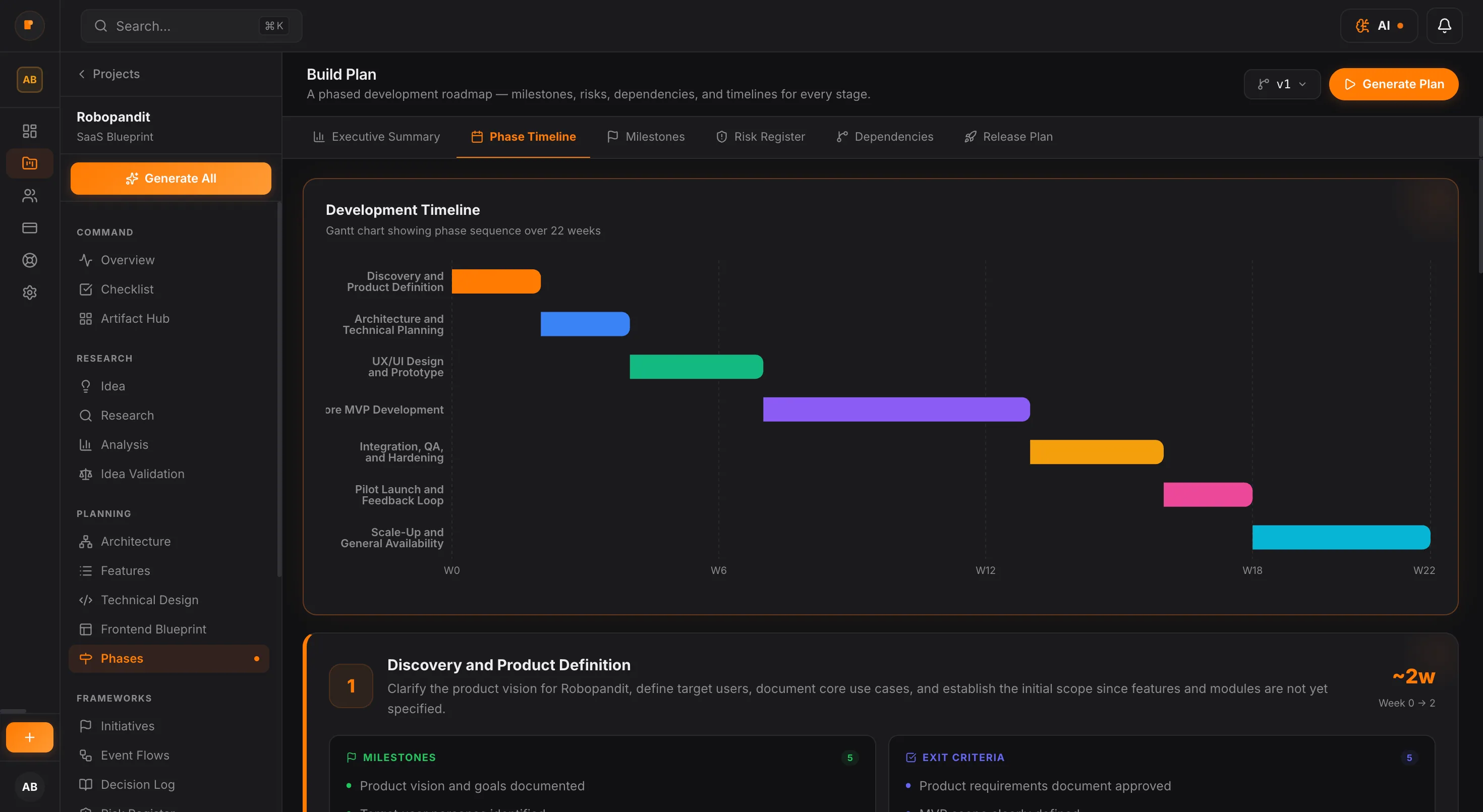
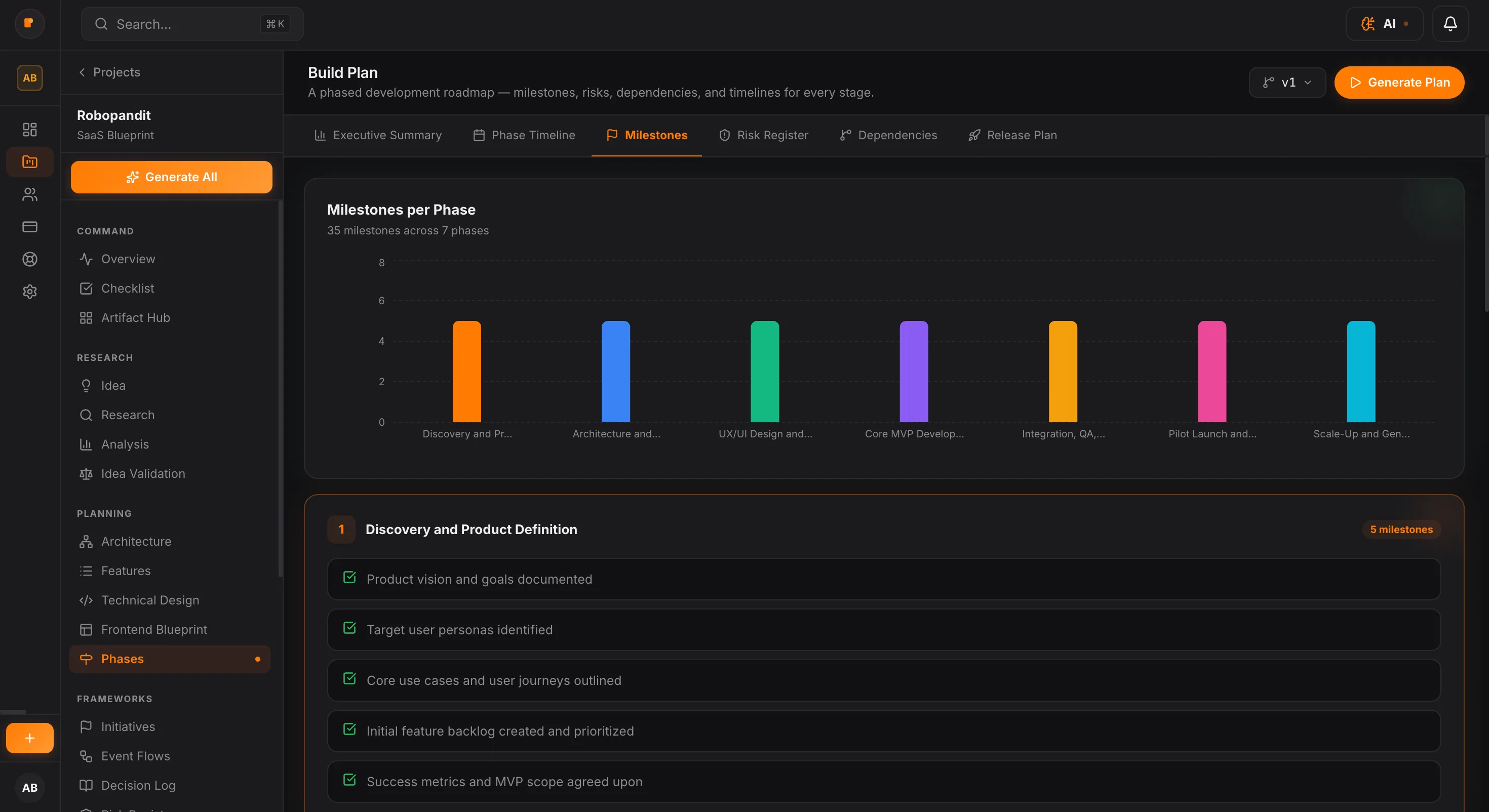
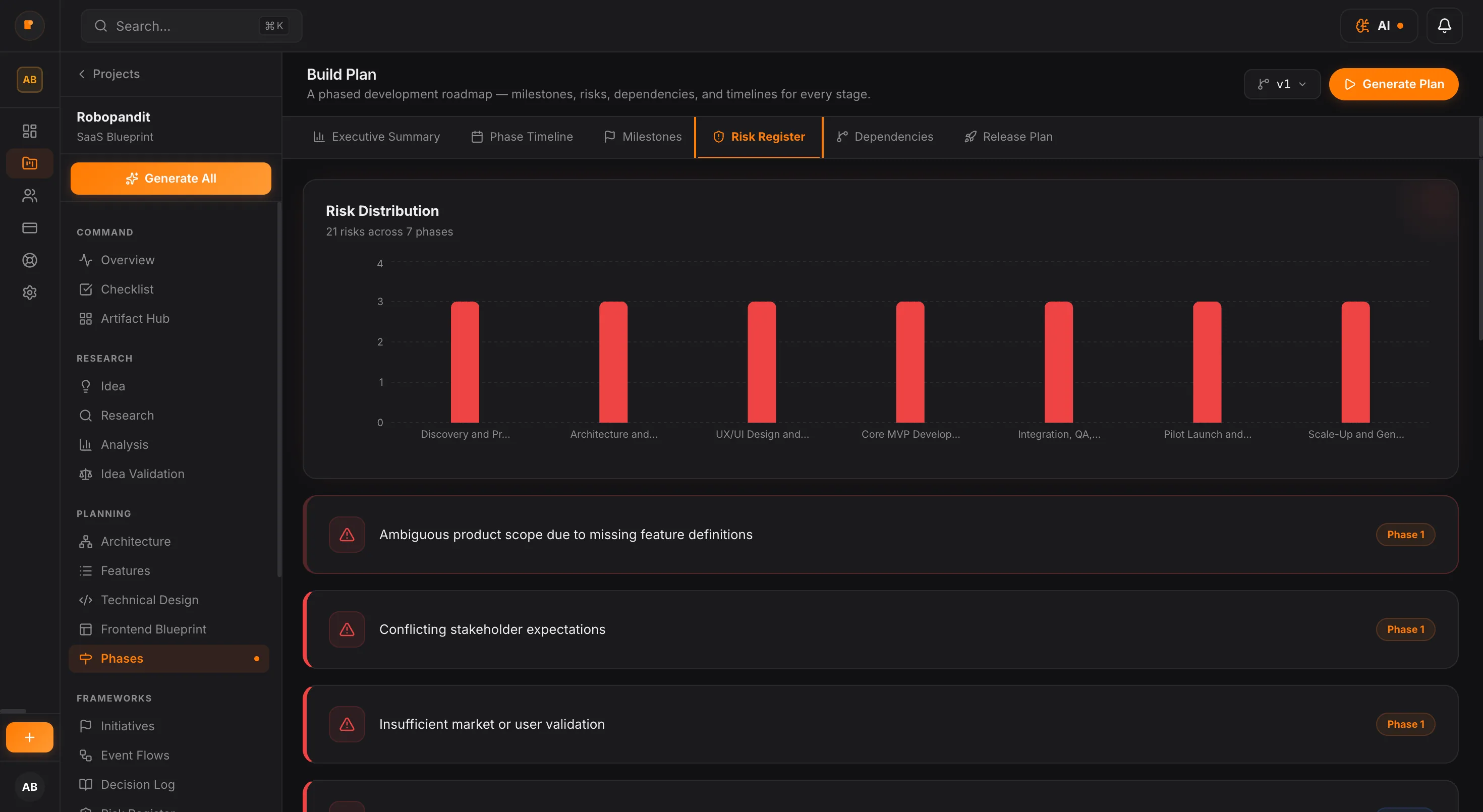
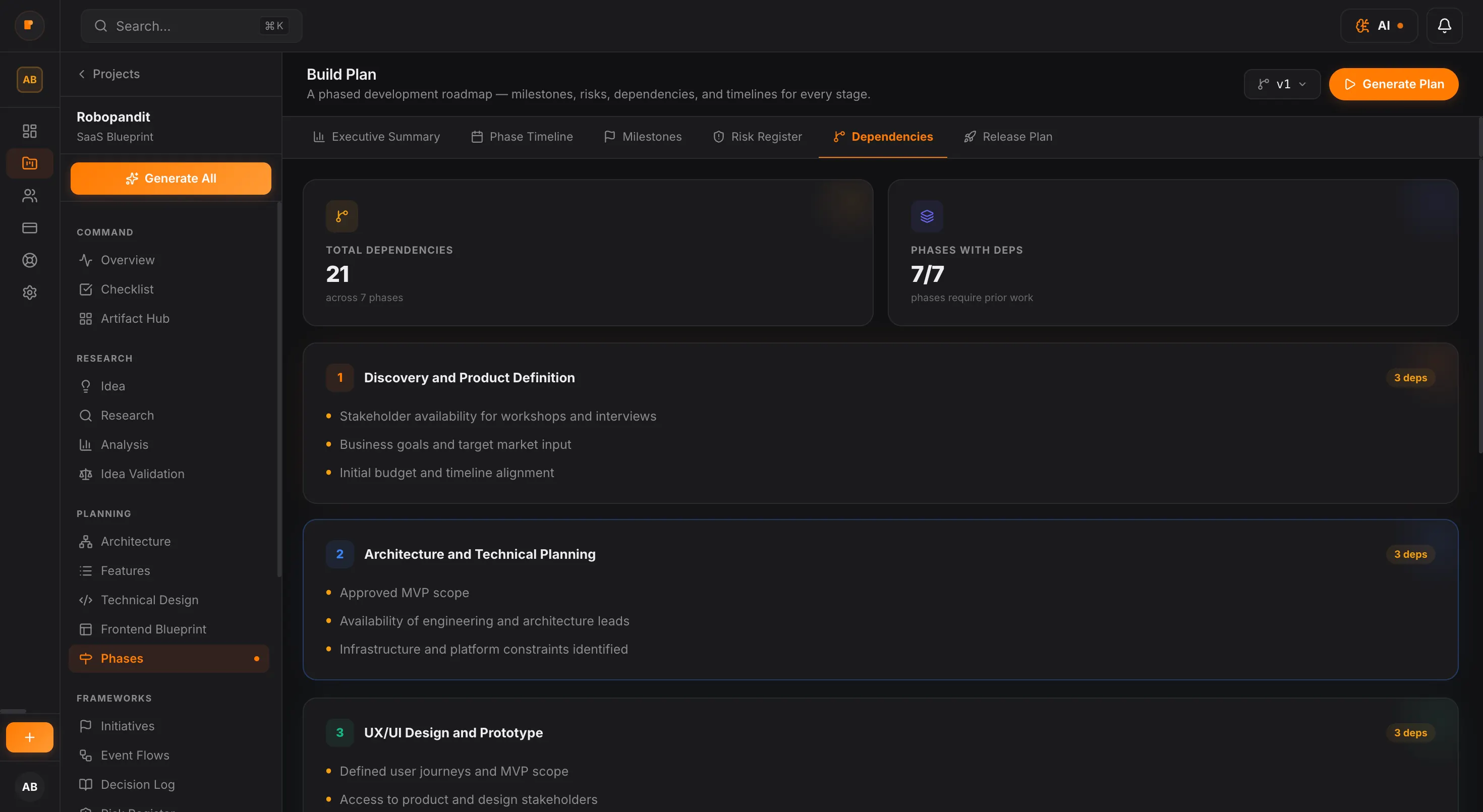
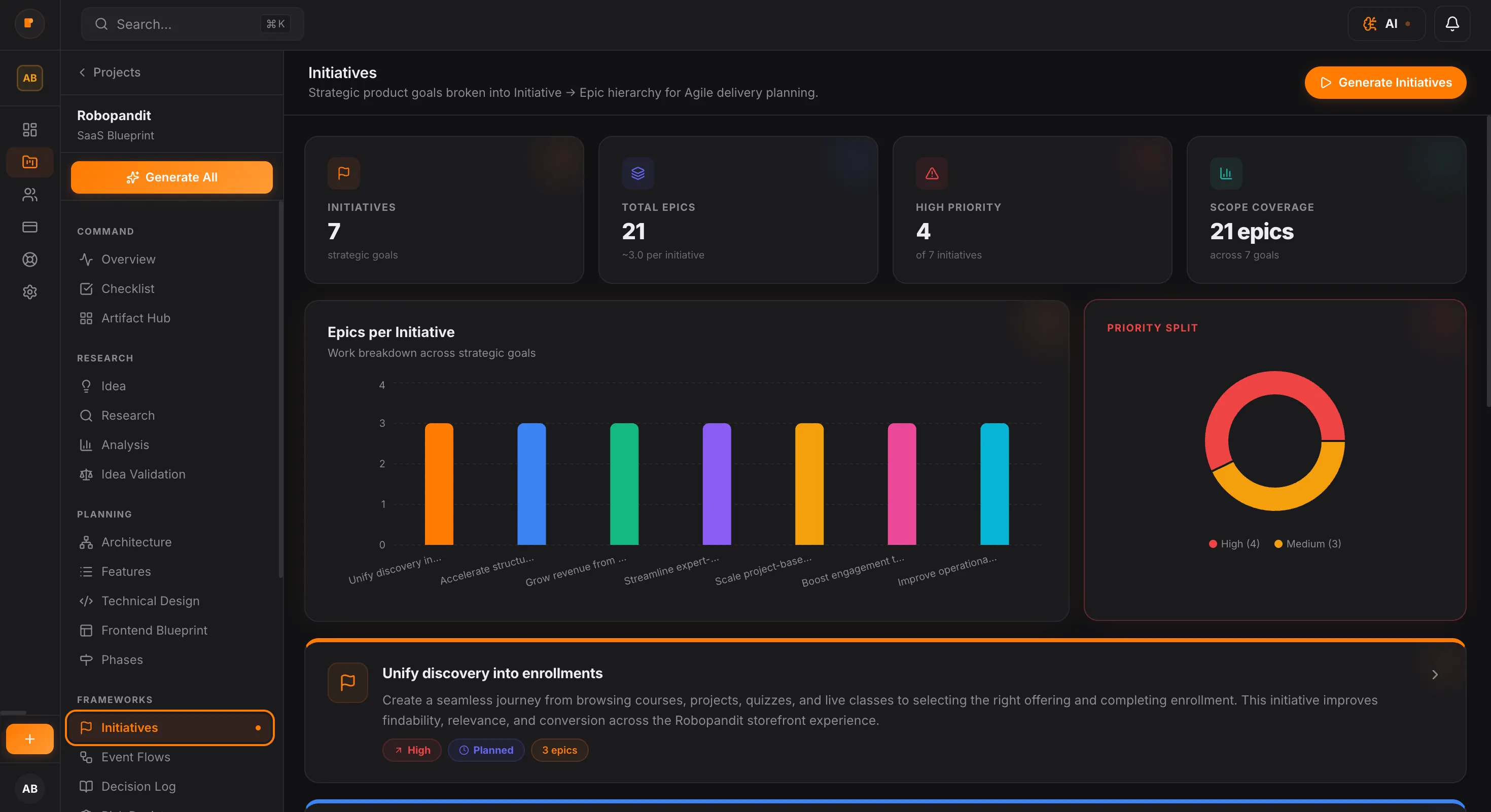
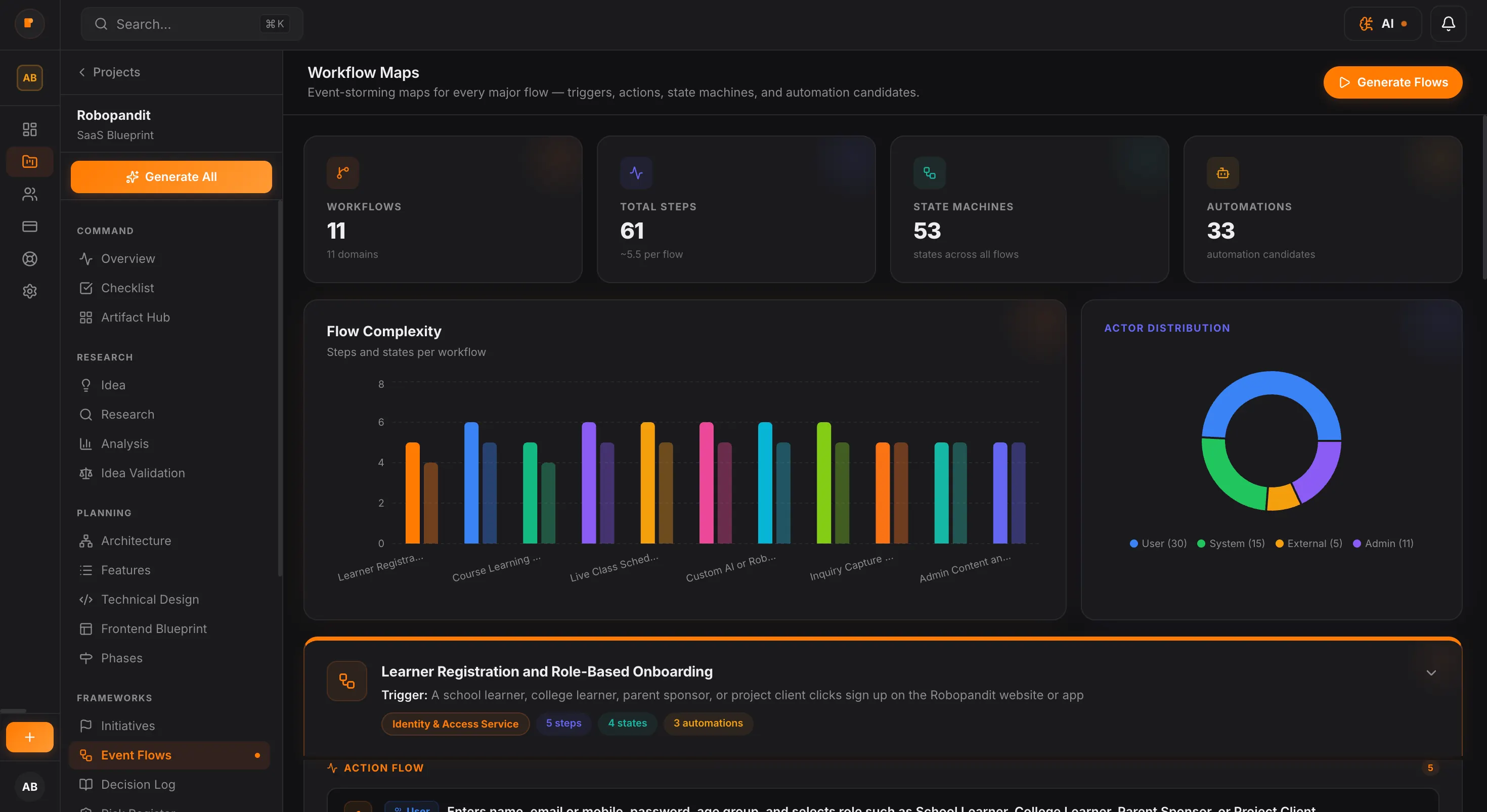
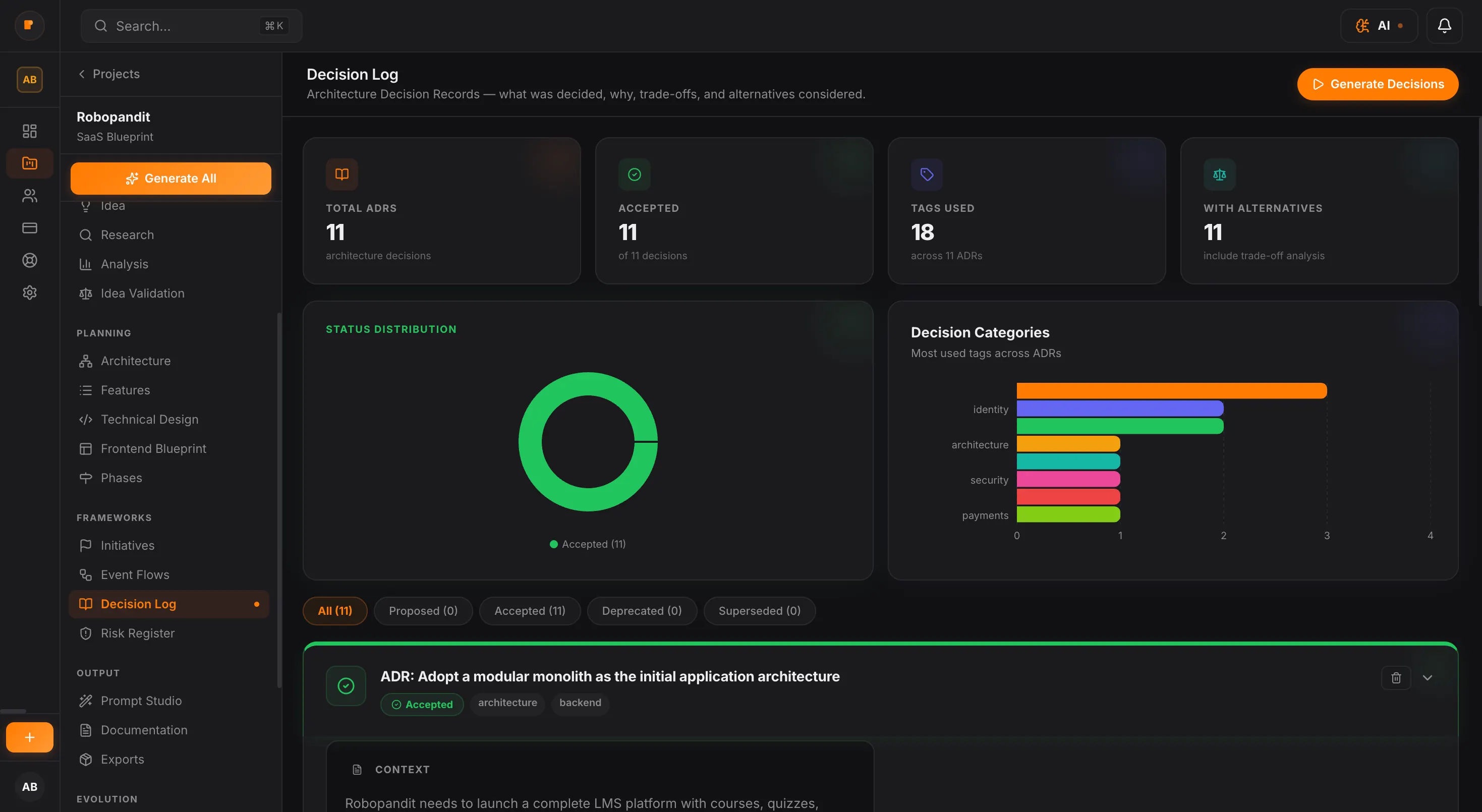
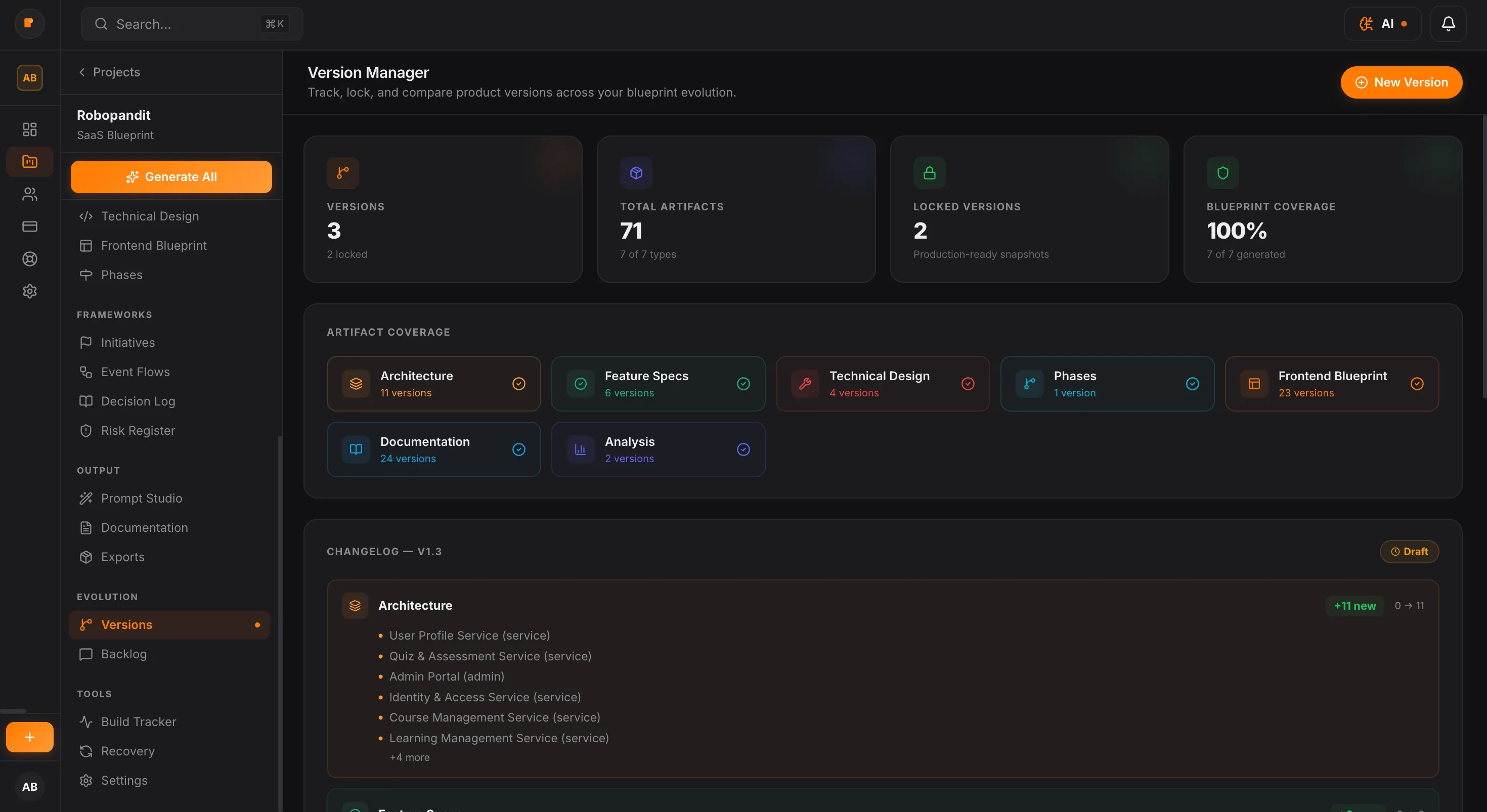
PlanMySaaS turns early product thinking into a complete set of build-ready outputs. Instead of scattered notes, shifting prompts, and disconnected planning docs, you get a structured blueprint your team, freelancer, or AI tools can actually execute from.
Many AI tools can help with research, screens, prompts, or code. But most of them work in fragments. PlanMySaaS connects product decisions across scope, structure, priorities, and execution — so the whole system makes sense before the build begins.
Other Tools
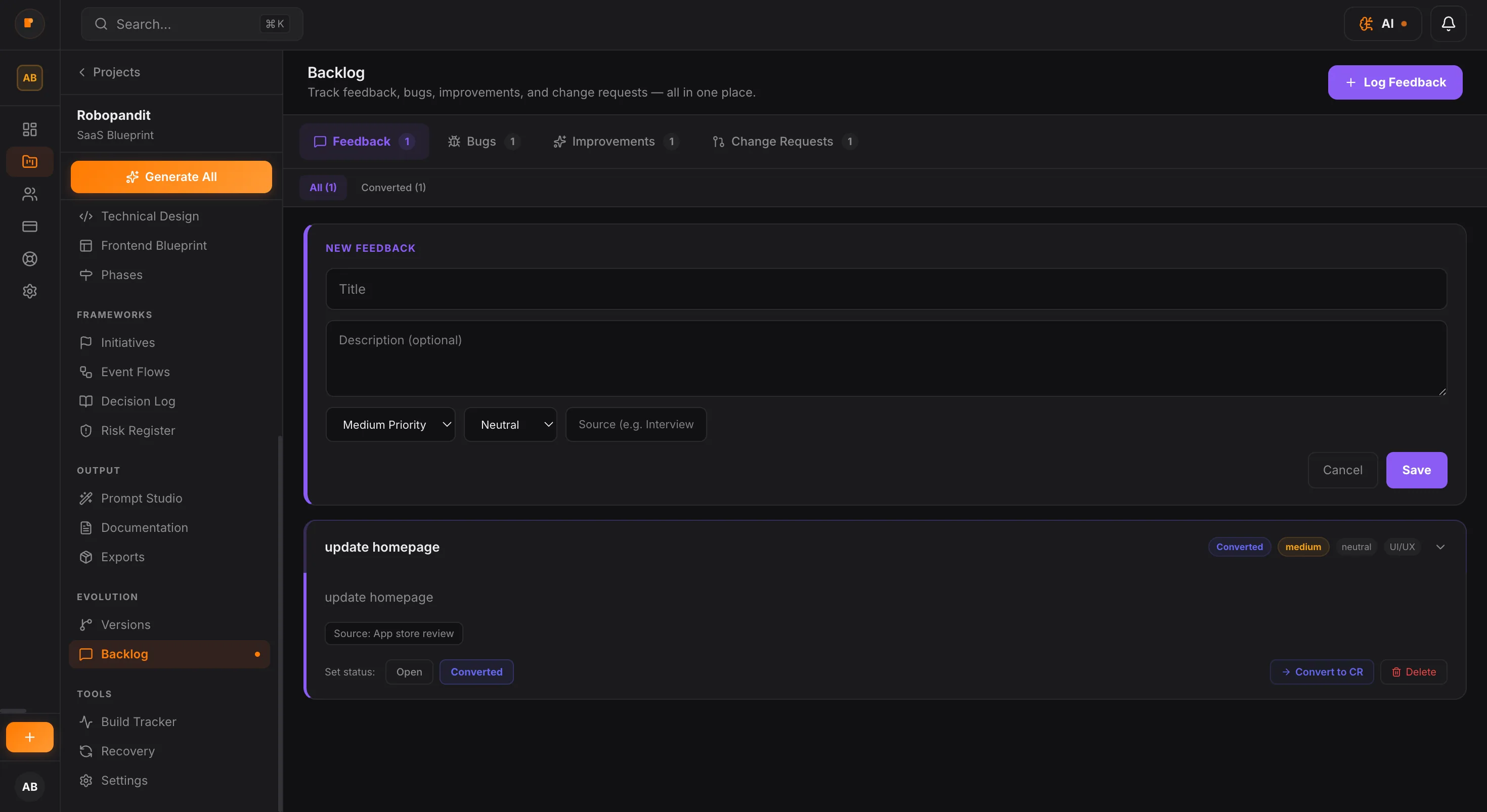
Each PlanMySaaS blueprint is designed to feel less like a loose document and more like a working product system. From feature decisions to technical structure and build phases, every part is organized to help teams move with more clarity.
PlanMySaaS is designed to support different product models, planning styles, and levels of complexity. Whether you are shaping an AI tool, a marketplace, an internal platform, or a workflow-heavy SaaS product, the system adapts to the kind of structure your product needs.
AI SaaS
Planning for prompt flows, model logic, usage limits, and AI-assisted product behavior.
Internal Tools
Structure dashboards, roles, workflows, permissions, and process-heavy systems.
Marketplaces
Map buyers, sellers, listings, payments, and multi-sided product logic.
Creator Platforms
Organize content systems, monetization, profiles, and audience-facing workflows.
Service Platforms
Define bookings, operations, provider flows, customer journeys, and support structure.
SaaS for Teams
Plan collaborative tools with user roles, modules, integrations, and multi-step workflows.
Clone the repo into ~/.claude/skills/ and run /planmysaas "<your idea>" from inside Claude Code. You get a full blueprint locally — no API key, no dashboard, no signup. Open source, MIT licensed.
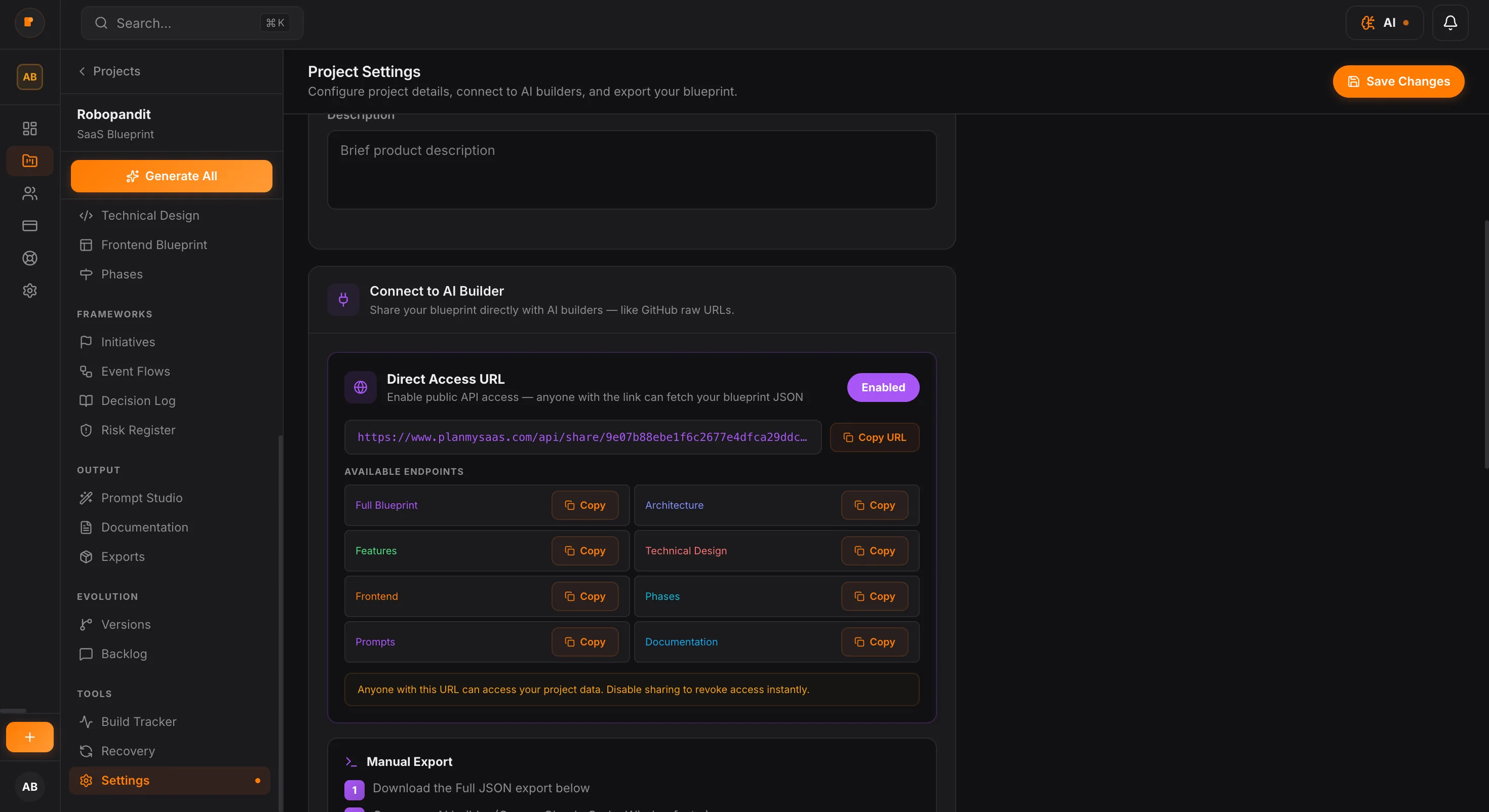
$ git clone https://github.com/creationskiro/planmysaas-claude-skill ~/.claude/skills/planmysaas/planmysaas "quiet-hours SMS scheduler for solo founders"PlanMySaaS ships an official MCP server. Install once and call generate_blueprint / generate_architecture straight from Claude Desktop, Claude Code, Cursor, or Windsurf — credits drain from the same workspace balance as the web app.
One JSON block, restart Claude, ask for a blueprint.
{
  "mcpServers": {
    "planmysaas": {
      "command": "npx",
      "args": ["-y", "@planmysaas/mcp-server"],
      "env": {
        "PLANMYSAAS_API_KEY": "pms_live_…"
      }
    }
  }
}Install once globally, use as a CLI tool in any repo.
{
  "mcpServers": {
    "planmysaas": {
      "command": "planmysaas-mcp",
      "env": {
        "PLANMYSAAS_API_KEY": "pms_live_…"
      }
    }
  }
}Your IDE gets blueprint generation as a native slash command.
{
  "mcpServers": {
    "planmysaas": {
      "command": "npx",
      "args": ["-y", "@planmysaas/mcp-server"],
      "env": {
        "PLANMYSAAS_API_KEY": "pms_live_…"
      }
    }
  }
}Start with 100 free credits on signup, then move into the plan that fits your product planning needs.
Free
For trying the planner end-to-end before paying.
Starter
For solo founders shaping their first product idea.
Pro
Most Popular
For builders who need full planning depth and handoff quality.
Team
For teams building multiple products with shared planning.

